gde
GBIF Dataset Explorer
Functions to explore datasets from the Global Biodiversity Information Facility (GBIF - < https://www.gbif.org/>) using a Shiny interface.
GBIF-Dataset-Explorer (gde)
R Package to explore datasets from the biodivesity aggregator GBIF.
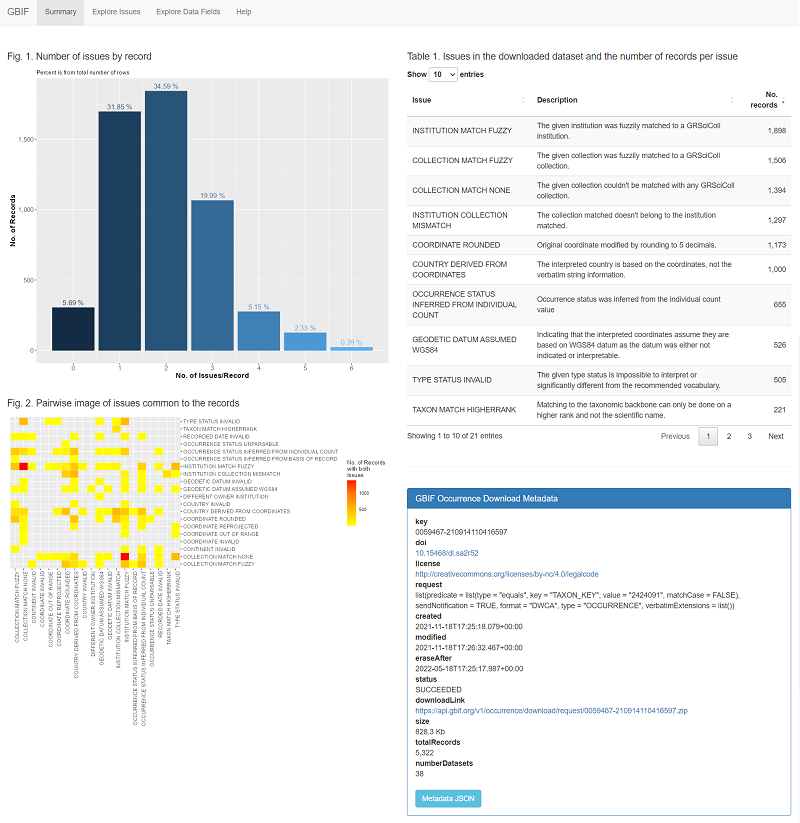
Once a DwC dataset is loaded, you can explore the issues and data values using a Shiny UI.
Load data from a DwC download
- Install the package from CRAN:
install.packages("gde") - Download a DarwinCore zip file from GBIF
- Run the function
gde::load_gbif_dwc(zipfile = "000000.zip", tmpdir = "tmp"), editing the arguments as needed
This step might take a while, depending on the size of the download and the specs of your computer.
Run the app locally
After loading the data to the database, run the Shiny app using:
- Run using:
gde::launchApp()