shinybusy
Busy Indicators and Notifications for 'Shiny' Applications
Add indicators (spinner, progress bar, gif) in your 'shiny' applications to show the user that the server is busy. And other tools to let your users know something is happening (send notifications, reports, ...).
shinybusy
Automated (or not) busy indicator for Shiny apps & other progress / notifications tools



Installation
Install from CRAN with:
install.packages("shinybusy")
You can install dev version of shinybusy from GitHub:
remotes::install_github("dreamRs/shinybusy")
Examples
Automated busy indicators
Gif
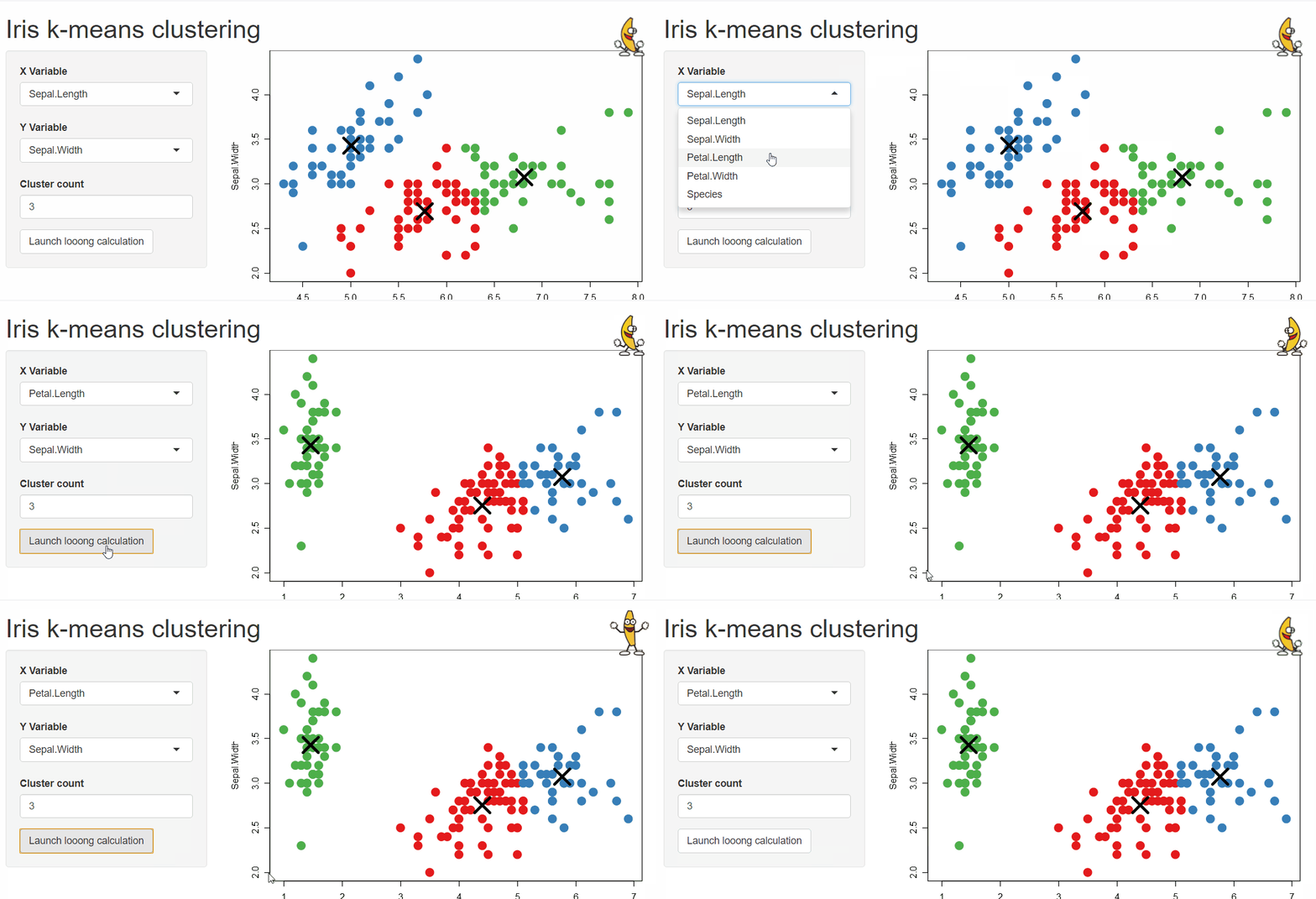
Animate a Gif when server is busy and pause animation when server is idle :
# Somewhere in UI
add_busy_gif(src = "https://jeroen.github.io/images/banana.gif", height = 70, width = 70)
Progress bar
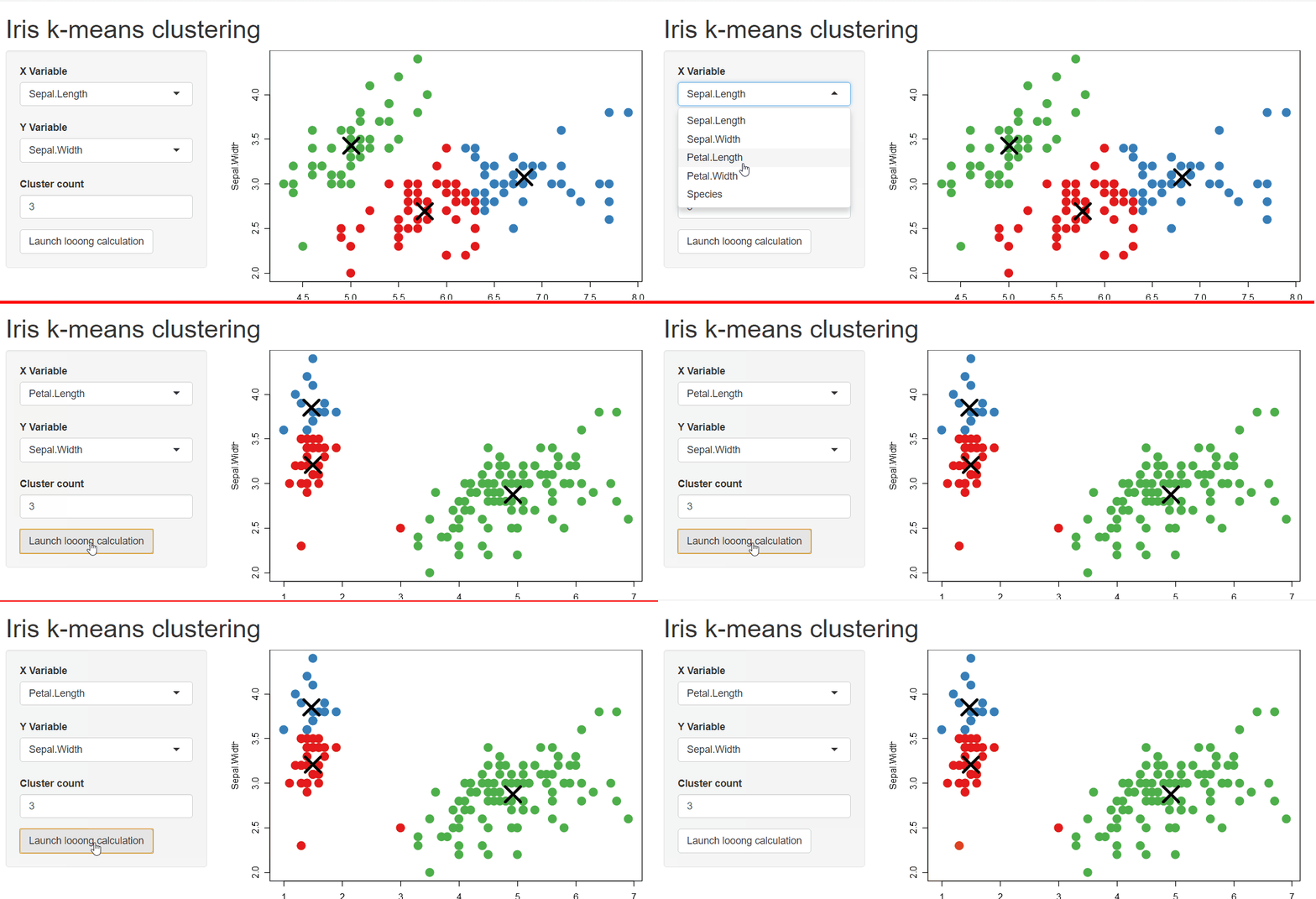
Make an infinite progress bar appear on top of the page when server is busy :
add_busy_bar(color = "#FF0000")
Spinner
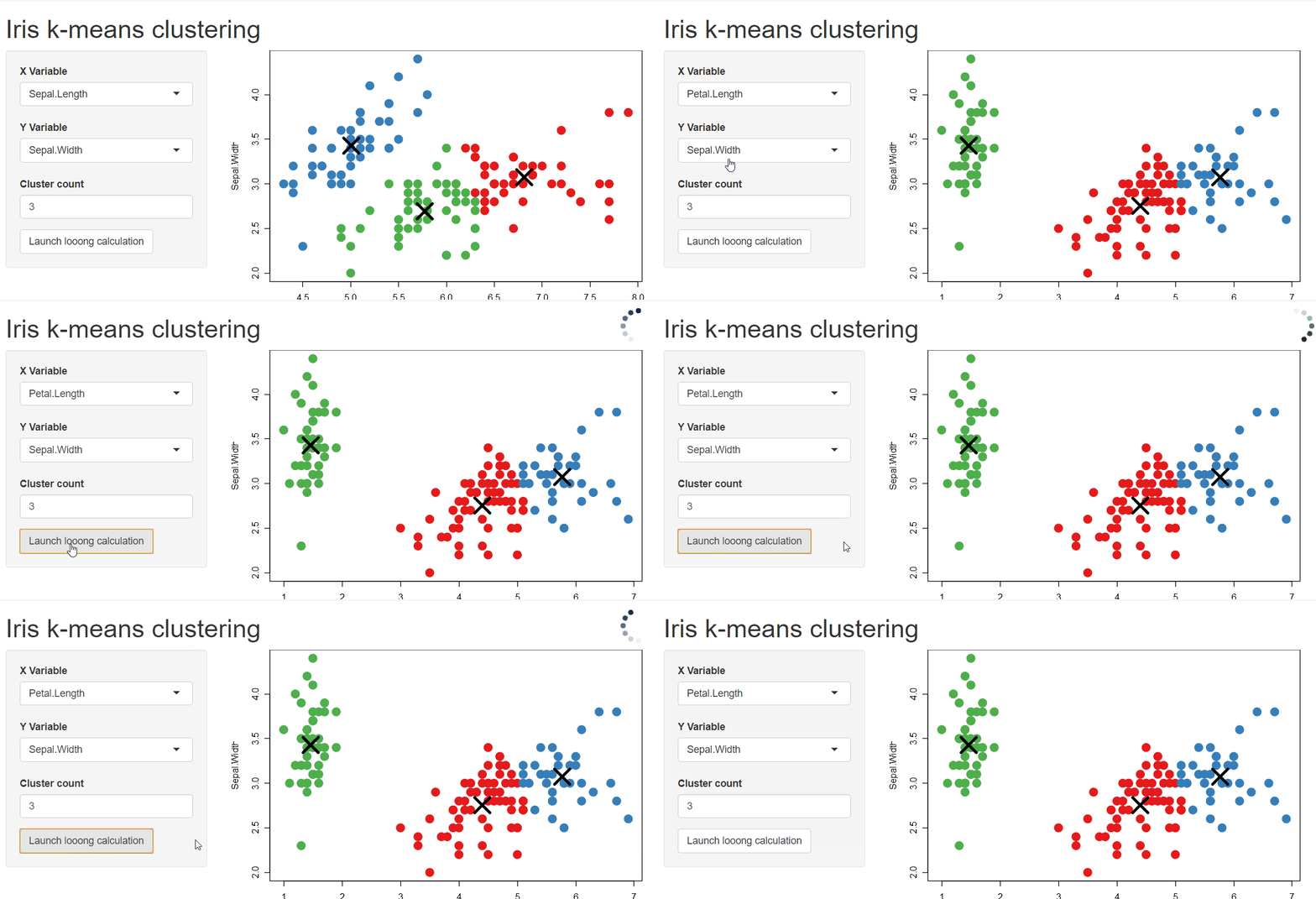
Add a spinner when server is busy on top-right corner of the page with:
add_busy_spinner(spin = "fading-circle")
Other functionalities
Display a loading indicator at the start of the application until it is ready to be used, block application interaction until a calculation is done, send notifications to user, ... See vignette or online website for more.
Development
This package use {packer} to manage JavaScript assets, see packer's documentation for more.
Install nodes modules with:
packer::npm_install()
Modify srcjs/exts/busy.js (or other scripts), then run:
packer::bundle()
Re-install R package and try demo applications in examples/.
Other related packages
These packages provide cool alternative to add progress indicator in shiny application :
- {waiter} : Loading screens for Shiny
- {shinycssloaders} : Add CSS loader animations to Shiny outputs
- {shinycustomloader} : Add a custom loader for R shiny
Acknowledgements
Development of this package was funded by Silex Technologies (https://www.silex-ip.com)