biplotEZ
EZ-to-Use Biplots
Provides users with an EZ-to-use platform for representing data with biplots. Currently principal component analysis (PCA), canonical variate analysis (CVA) and simple correspondence analysis (CA) biplots are included. This is accompanied by various formatting options for the samples and axes. Alpha-bags and concentration ellipses are included for visual enhancements and interpretation. For an extensive discussion on the topic, see Gower, J.C., Lubbe, S. and le Roux, N.J. (2011, ISBN: 978-0-470-01255-0) Understanding Biplots. Wiley: Chichester.

biplotEZ
The goal of biplotEZ is to provide users an EZ-to-use platform for visually representing their data with biplots. Currently, this package includes principal component analysis (PCA) and canonical variate analysis (CVA) biplots. This is accompanied by various formatting options for the samples and axes. Alpha-bags and concentration ellipses are included for visual enhancements and interpretation.
Installation
You can install the development version of biplotEZ like this:
library(devtools)
devtools::install_github("MuViSU/biplotEZ")
Example
This is a basic example which shows you how to construct a PCA biplot:
library(biplotEZ)
#>
#> Attaching package: 'biplotEZ'
#> The following object is masked from 'package:stats':
#>
#>     biplot
biplot (iris[,1:4], Title="Test PCA biplot") |> PCA() |> plot()
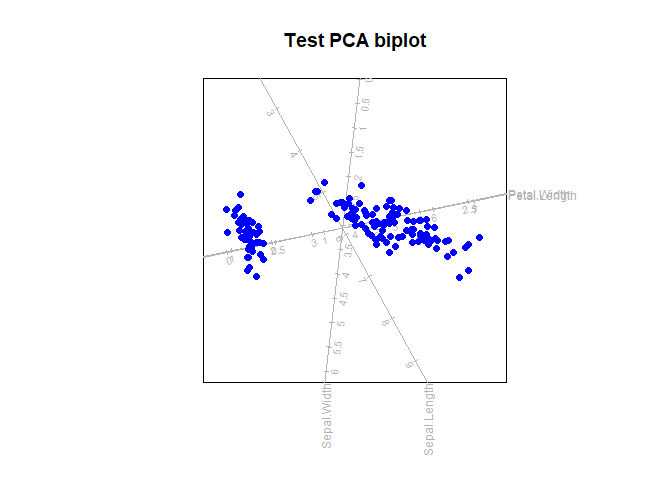
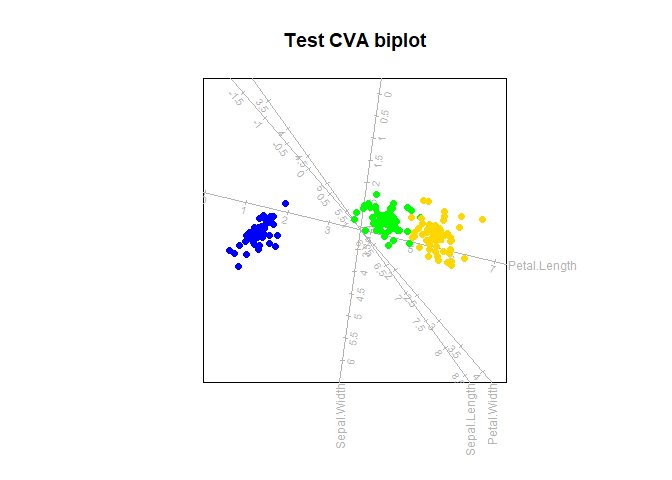
While the PCA biplot provides a visual representation of the overall data set, optimally representing the variance in 1, 2 or 3 dimensions, the CVA biplot aims to optimally separate specified groups in the data. This is a basic example which shows you how to construct a CVA biplot:
biplot (iris[,1:4], Title="Test CVA biplot") |> CVA(classes=iris[,5]) |> plot()
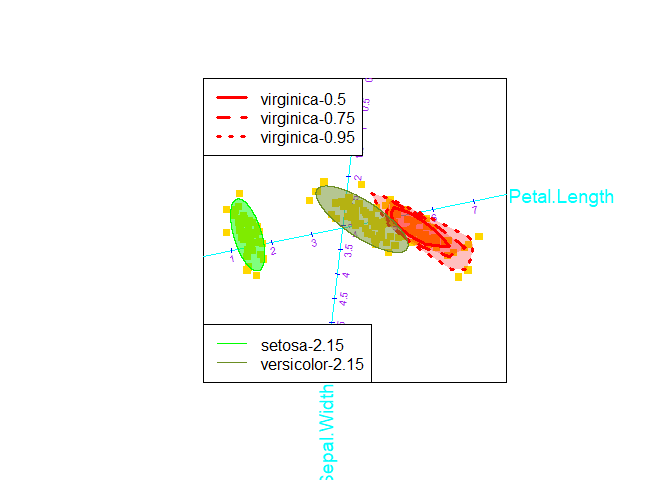
An over-the-top example of changing all the formatting and adding all the bells and whistles:
biplot (iris[,1:4], group.aes=iris[,5]) |> PCA() |>
  samples(col="gold", pch=15) |>
  axes(which=2:3, col="cyan", label.cex=1.2, tick.col="blue",
                                             tick.label.col="purple") |>
  alpha.bags (alpha=c(0.5,0.75,0.95), which=3, col="red", lty=1:3, lwd=3) |>
  ellipses(alpha=0.9, which=1:2, col=c("green","olivedrab")) |>
  legend.type(bags = TRUE, ellipses=TRUE) |>
  plot()
#> Computing 0.5 -bag for virginica
#> Computing 0.75 -bag for virginica
#> Computing 0.95 -bag for virginica
#> Computing 2.15 -ellipse for setosa
#> Computing 2.15 -ellipse for versicolor
CA biplot
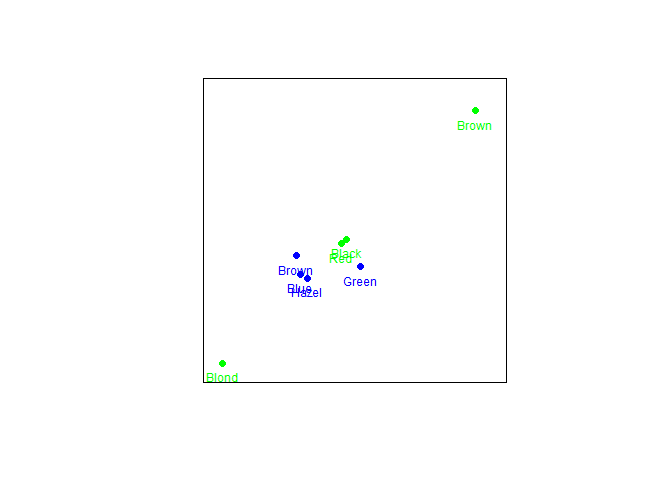
The default CA biplots represents row principal coordinates with a call such as:
biplot(HairEyeColor[,,2], center = FALSE) |> CA() |> plot()
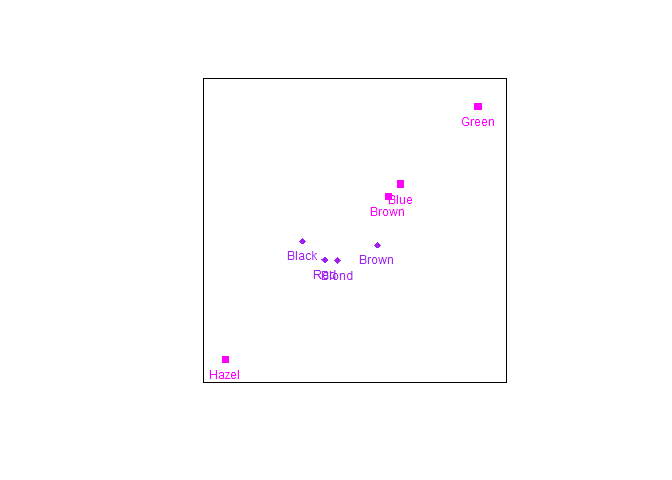
To change to row standard coordinates use a call such as:
biplot(HairEyeColor[,,2], center = FALSE) |>
  CA(variant = "Stand") |> samples(col=c("magenta","purple"), pch=c(15,18)) |> plot()
Regression biplot
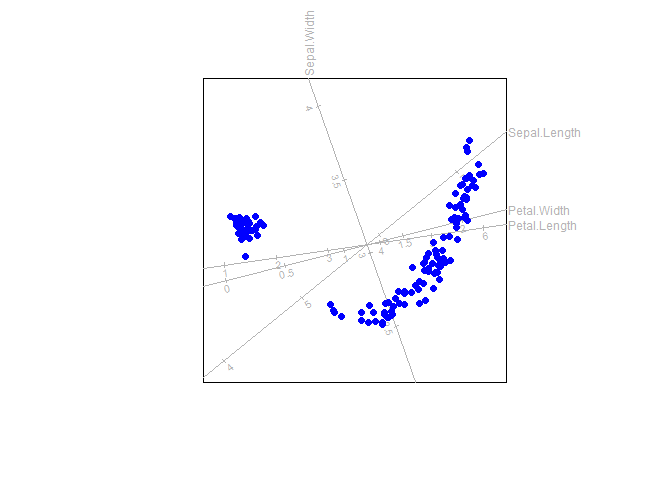
With the function regress linear regression biplot axes can be fitted
to a biplot
out <- biplot(iris) |> PCO(dist.func = sqrtManhattan)
biplot(iris) |> regress(out$Z) |> plot()
Report Bugs and Support
If you encounter any issues or have questions, please open an issue on the GitHub repository.