spada
A 'shiny' Package for Data Analysis
Provides a 'shiny' application with a user-friendly interface
for interactive data analysis. It supports exploratory data analysis
through descriptive statistics, data visualization, statistical
tests (e.g., normality assessment), linear modeling, data
import, transformation and reporting. For more details see Shapiro and Wilk
(1965)
spada (Shiny Package for Data Analysis)


Spada provides a ‘shiny’ application with a user-friendly interface for interactive data analysis. It supports exploratory data analysis through descriptive statistics, data visualization, statistical tests (e.g., normality assessment), linear modeling, data import, transformation and reporting.
This package is inspired in many other tools like:
-
IBM SPSS Statistics (https://www.ibm.com/products/spss-statistics)
-
R Commander package (https://CRAN.R-project.org/package=Rcmdr)
-
Jamovi (https://www.jamovi.org/)
-
ydata profiling (https://docs.profiling.ydata.ai/latest/)
Warning: Spada is in active development.
Live Demo
You may try Spada in shinyapps.io Spada
Documentation
You can access Spada Book on this website: Spada Book.
Installation
install.packages("spada")
You can install the development version of spada from GitHub using the command below.
install.packages("remotes")
remotes::install_github(
  "lgschuck/spada",
  dependencies = TRUE
)
Loading the package
library(spada)
Usage
if(interactive()){
  spada()
}
Tests
Spada is tested via testthat and currently runs over 900 tests.
Docker
Spada is distributed as a Docker Image.
For instructions in how to download and use Spada go to Docker
You can use Docker Hub to search for diferent versions.
Screenshots
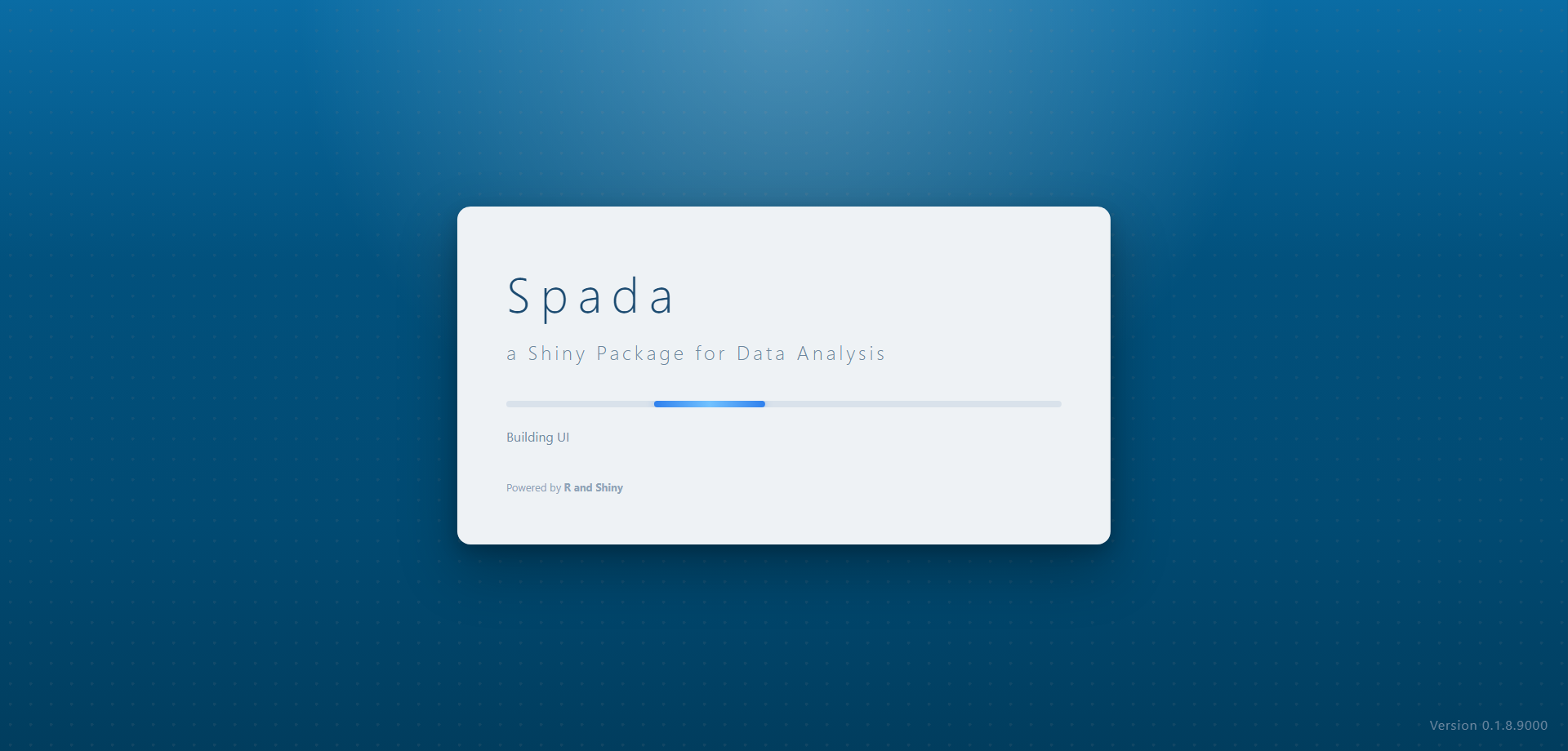 Loading
Data
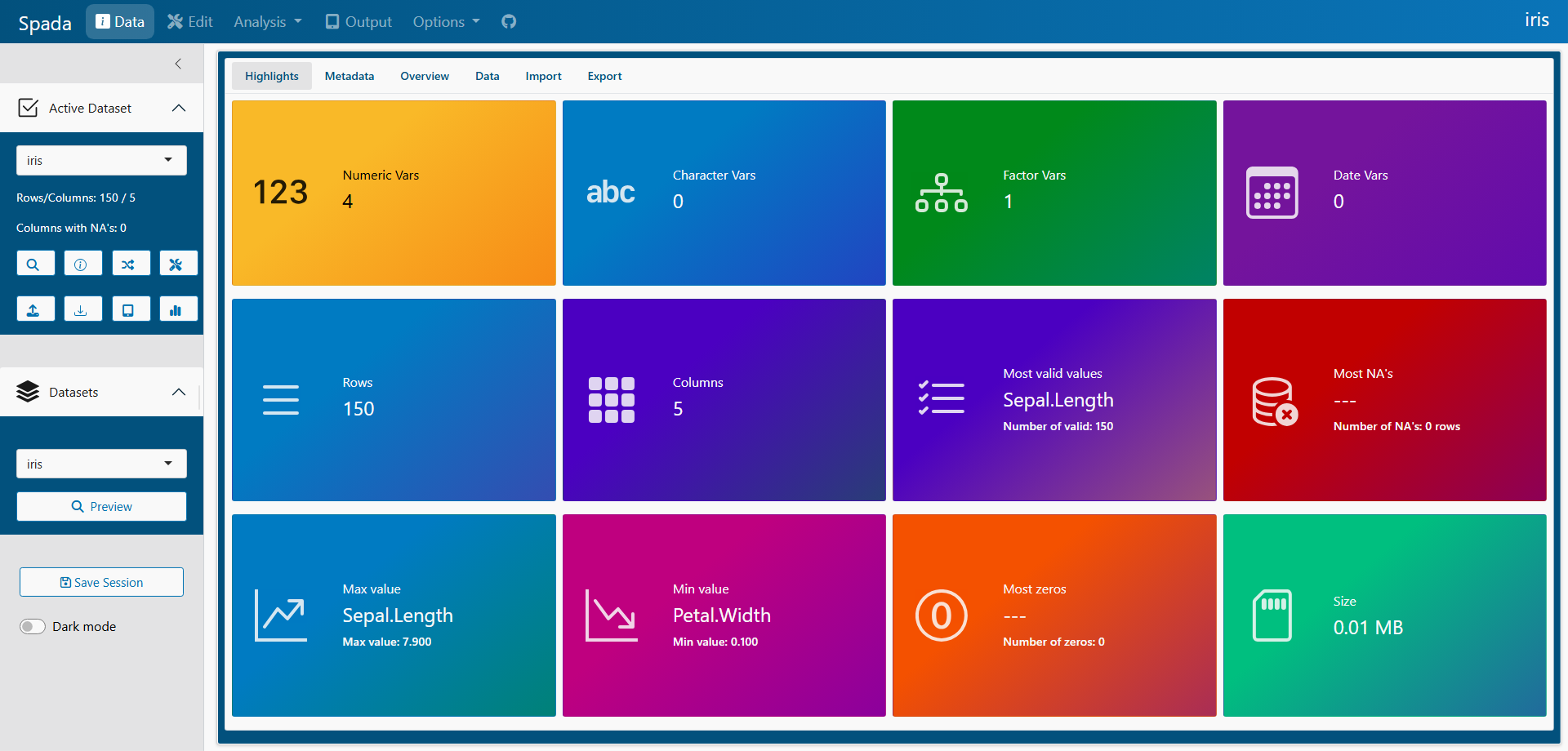 Home
Home
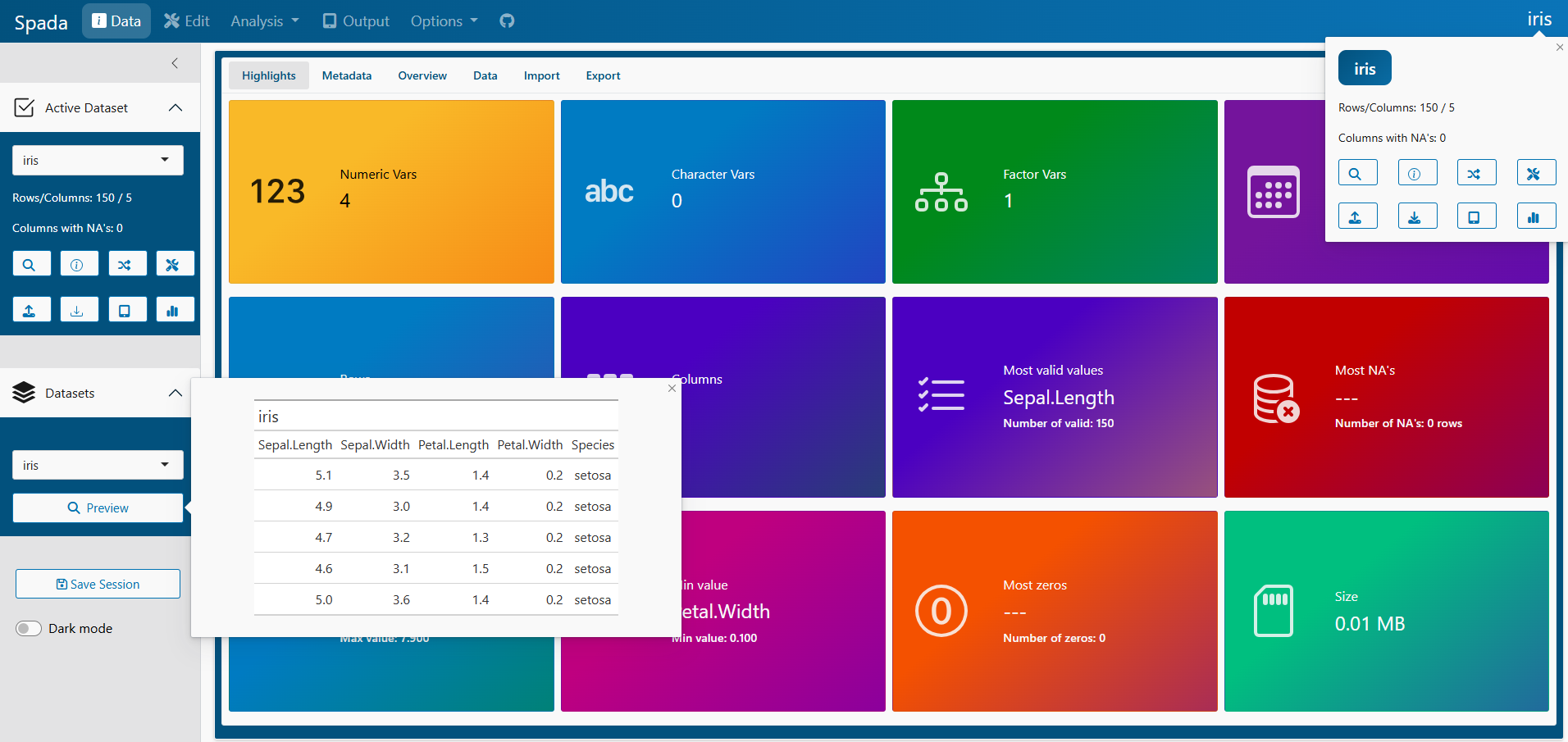 Home 2
Data > Metadata
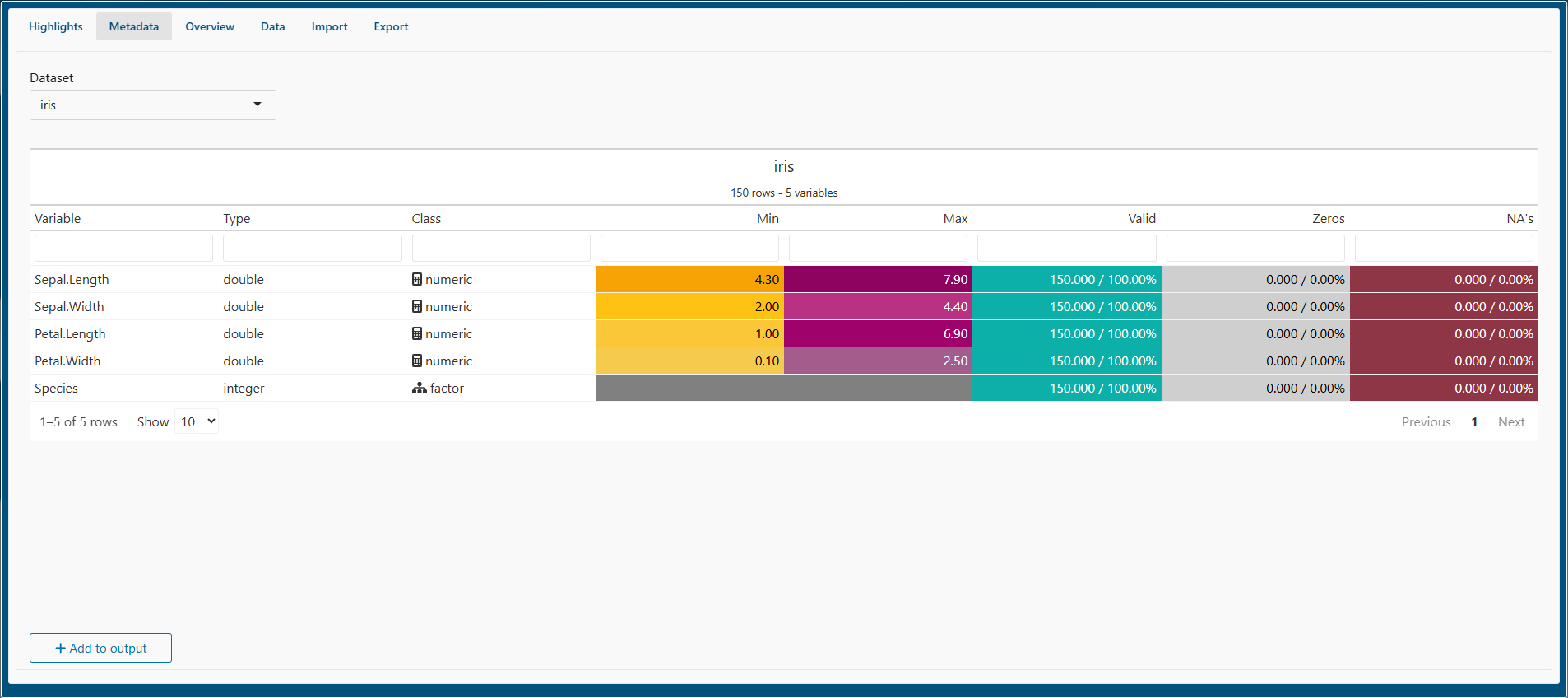 Metadata
Data > Overview
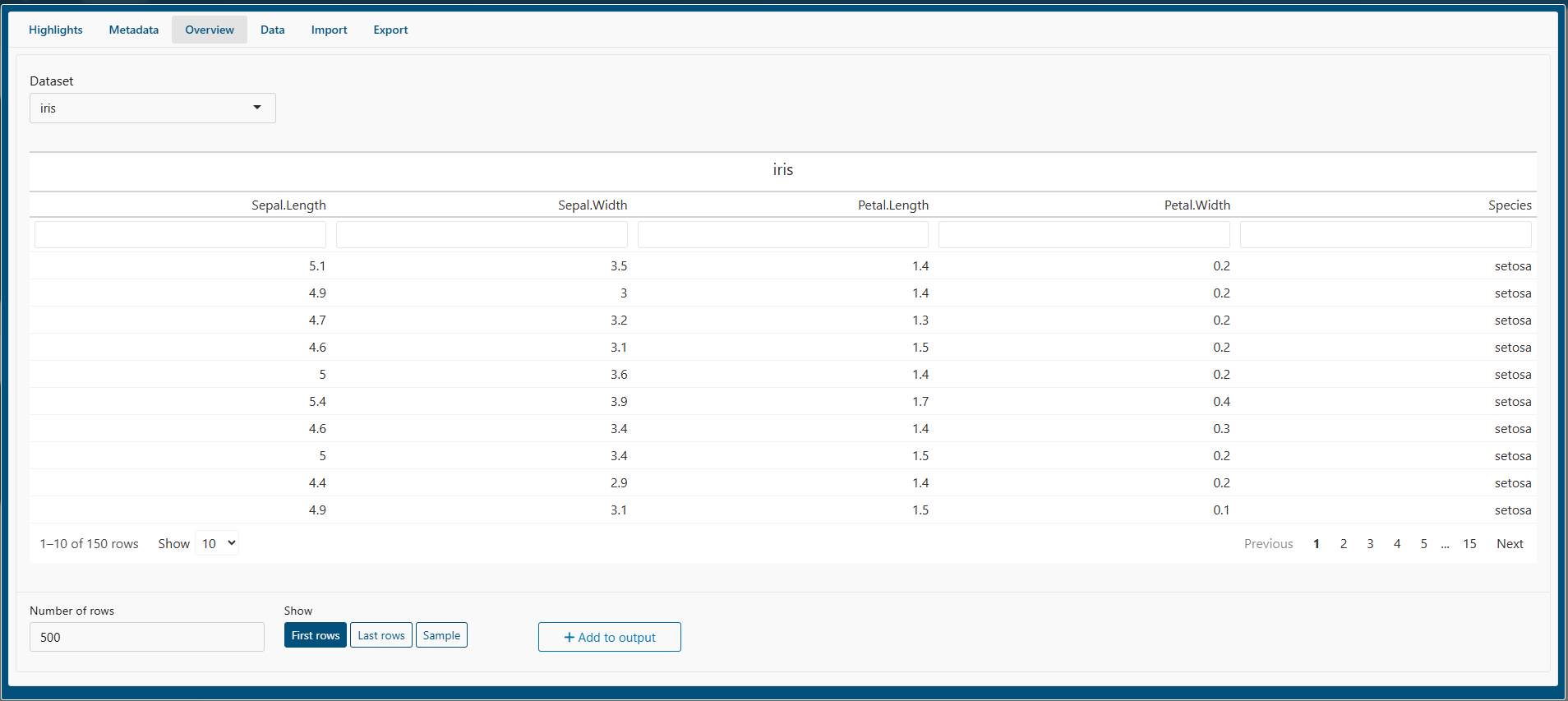 Overview
Edit
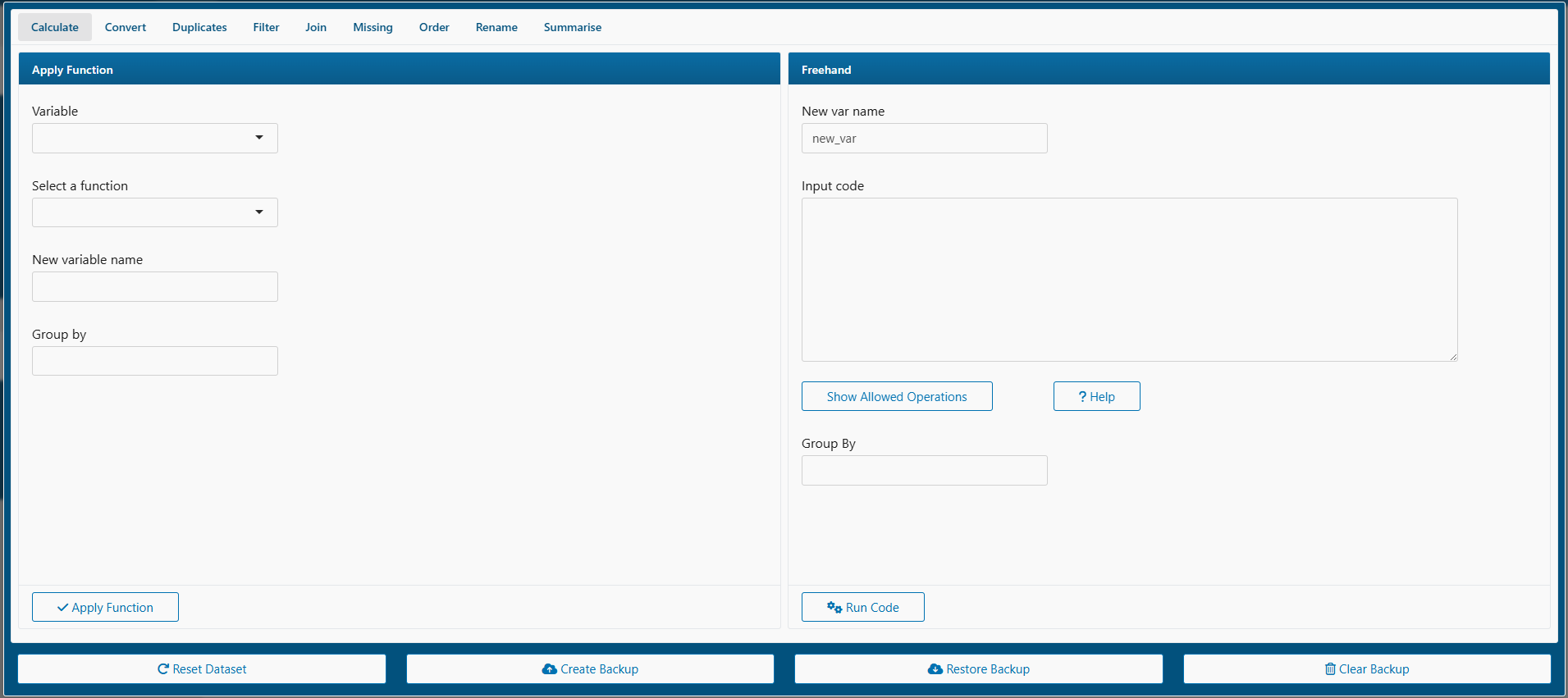 Edit
Edit
Analysis
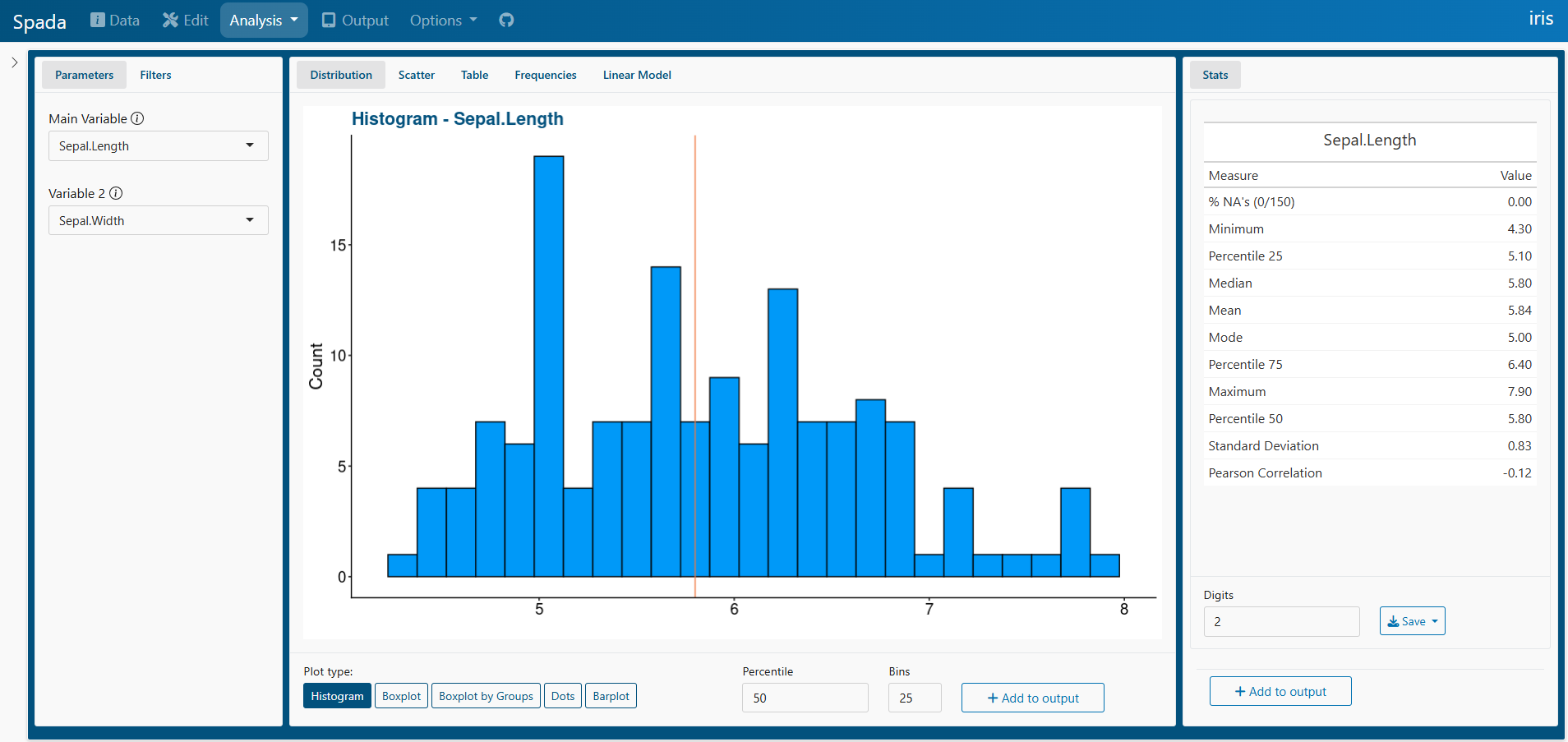 Analysis
Output
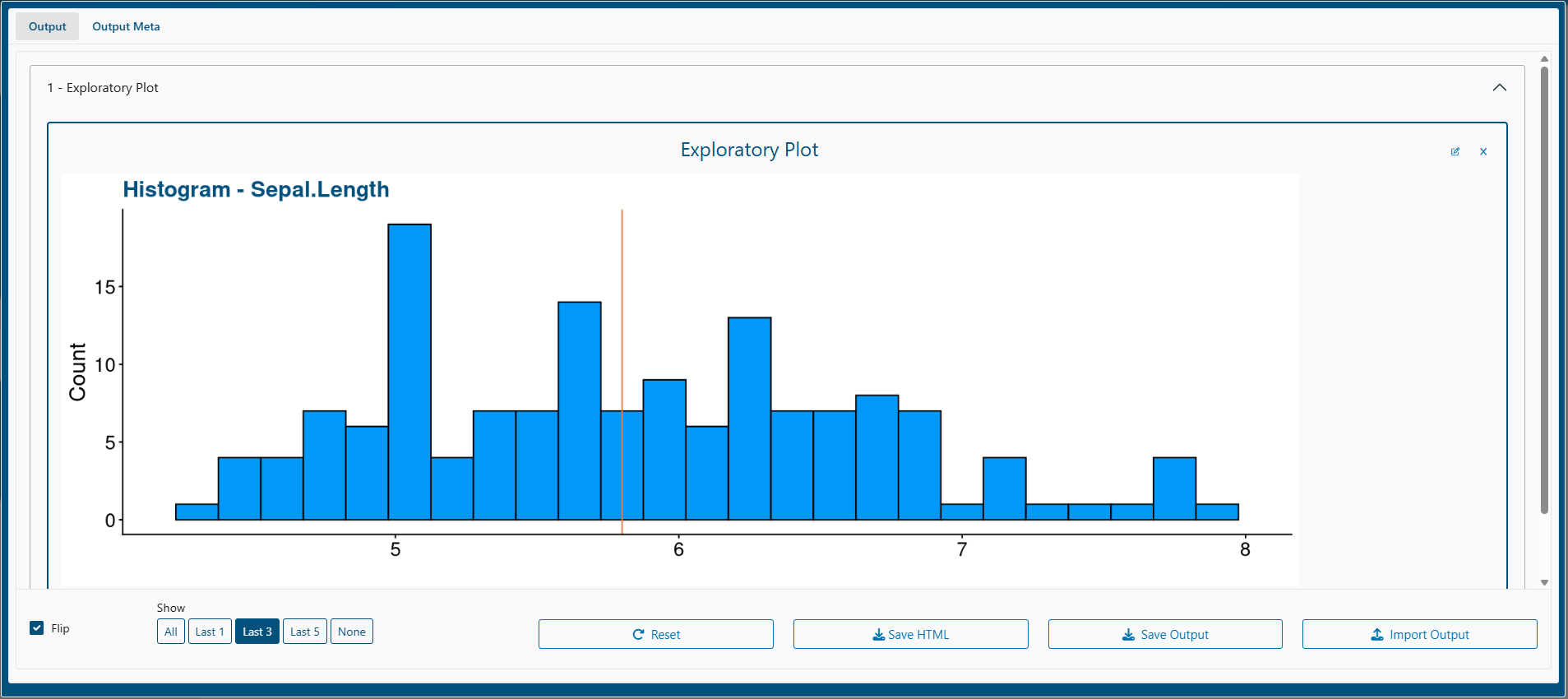 Output
Exported Output
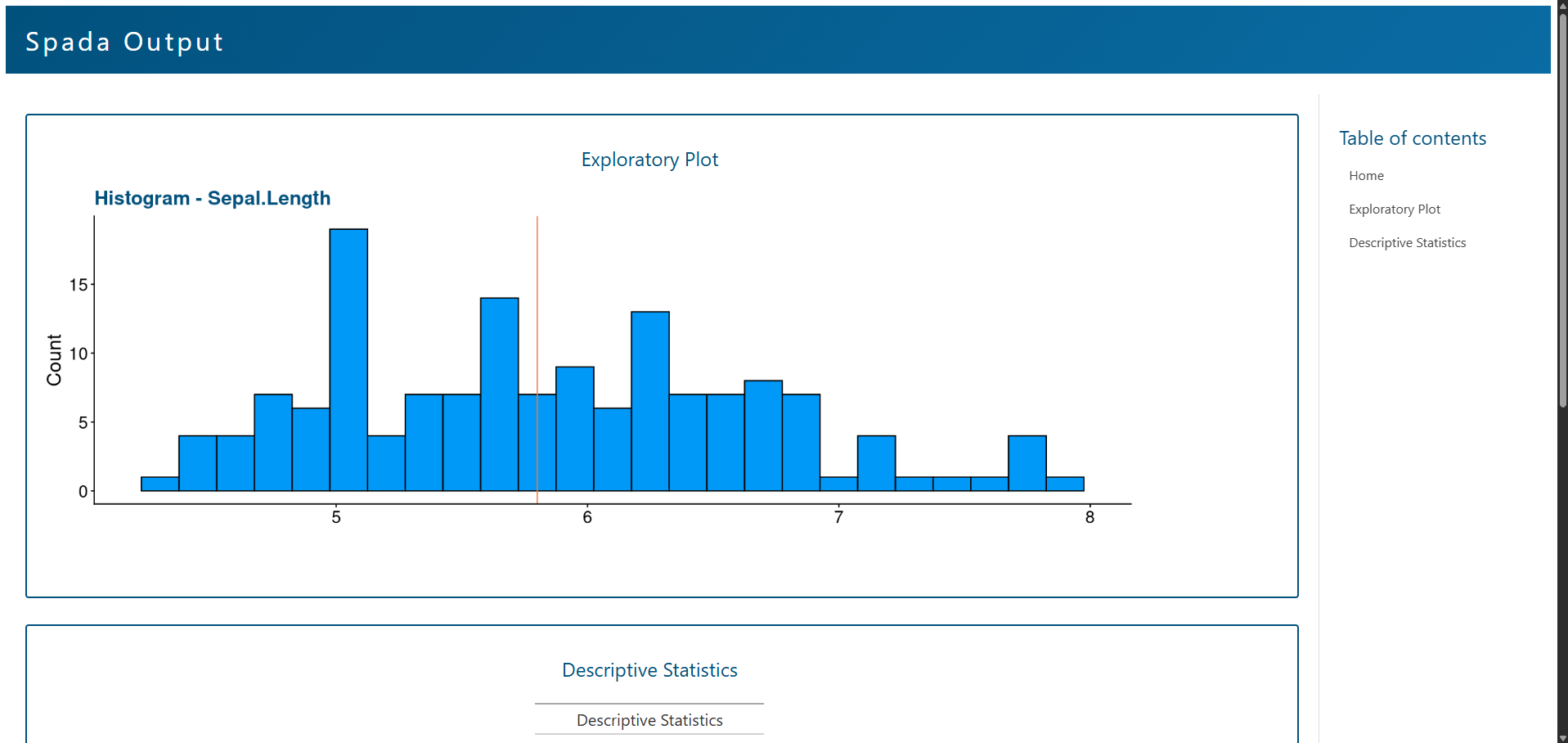 Exported Output
Options
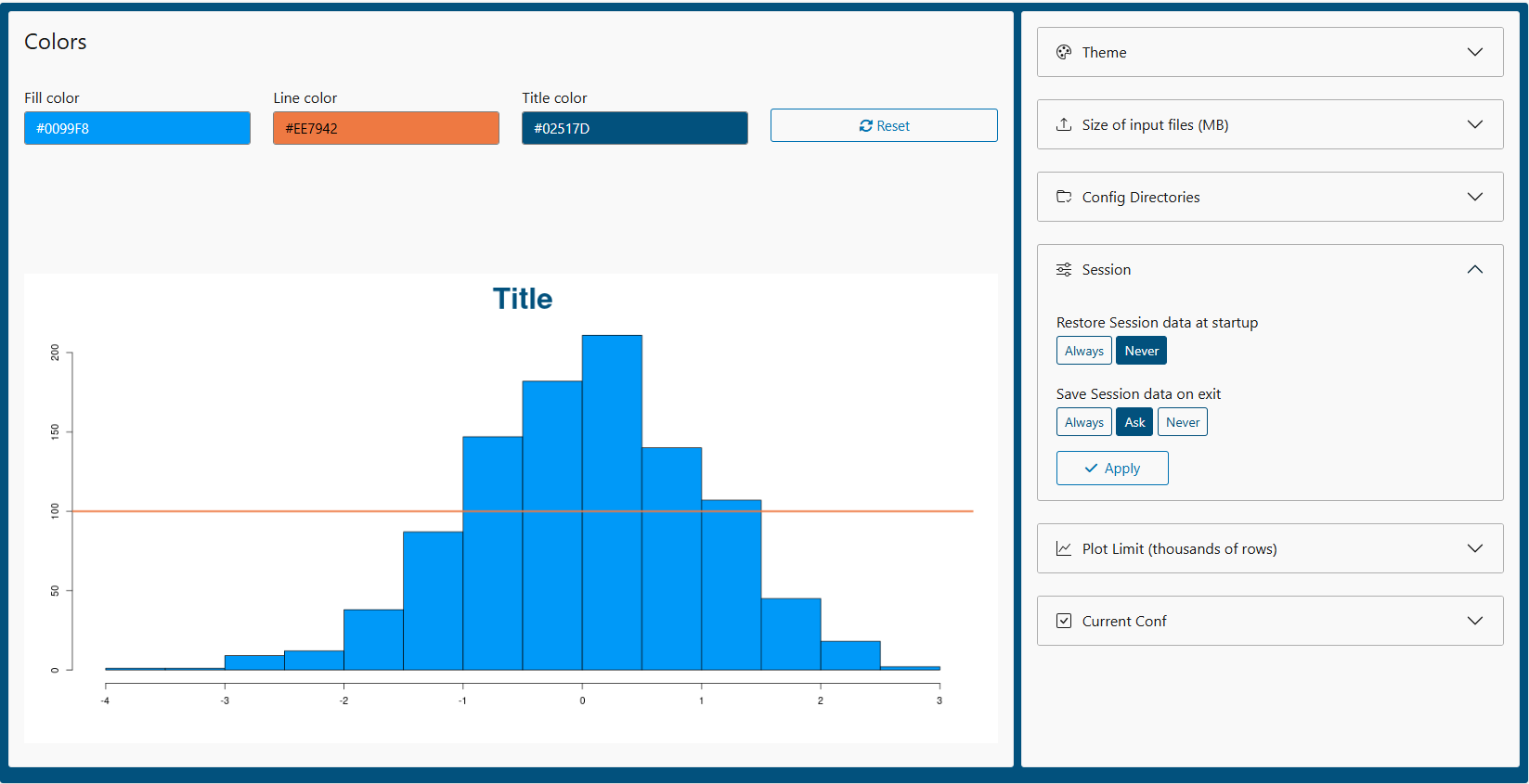 Options