swipeR
Carousels using the 'JavaScript' Library 'Swiper'
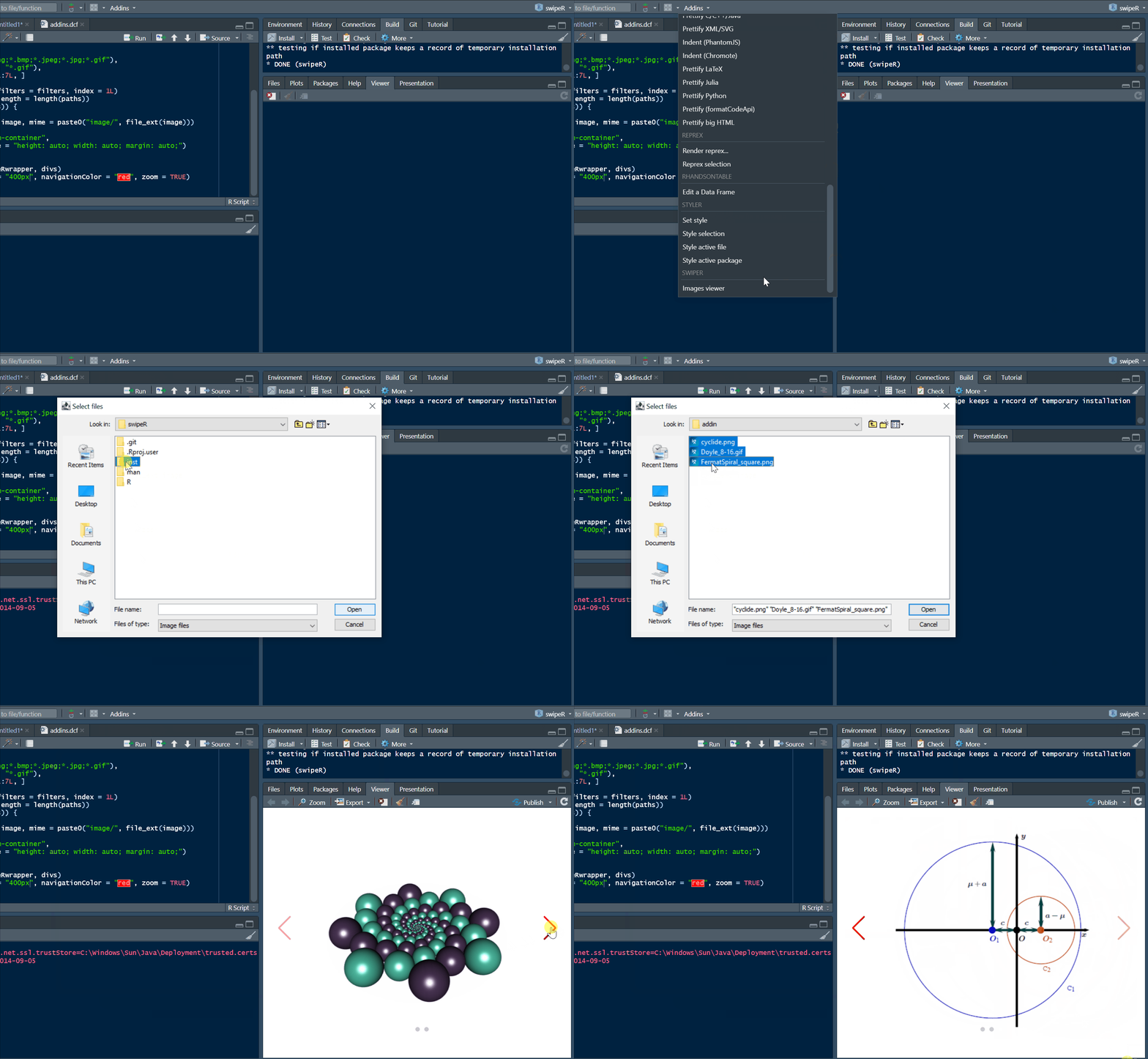
Create carousels using the 'JavaScript' library 'Swiper' and the package 'htmlwidgets'. The carousels can be displayed in the 'RStudio' viewer pane, in 'Shiny' applications and in 'R markdown' documents. The package also provides a 'RStudio' addin allowing to choose image files and to display them in the viewer pane.
swipeR


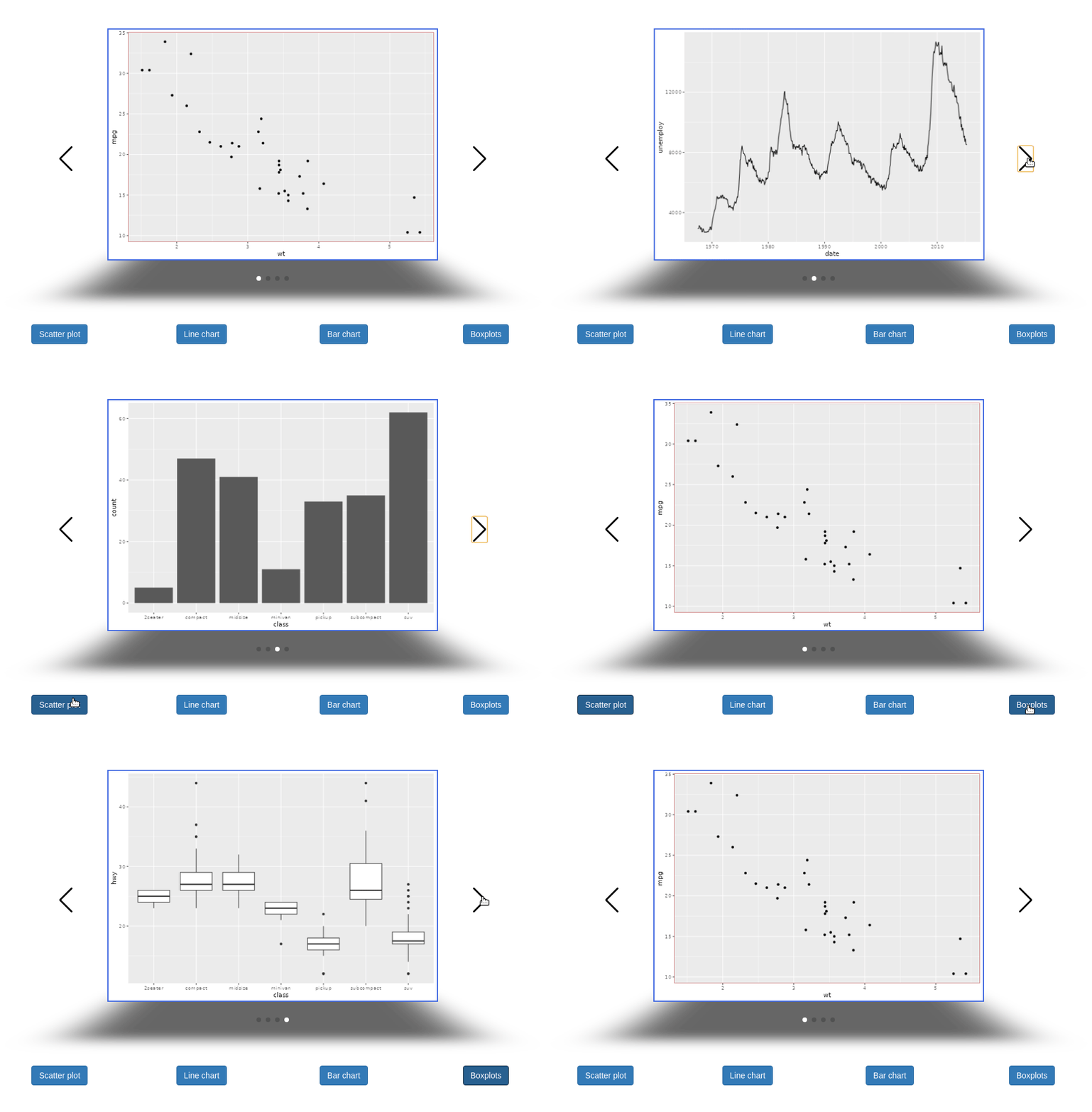

To include an image in a carousel from a file, you can use base64 encoding:
```{r}
library(swipeR)
library(htmltools)
library(base64enc)
b64 <- dataURI(file = "path_to_image.png", mime = "image/png")
wrapper <- swipeRwrapper(
  tags$img(src = b64, style = "width: 500px; margin: auto;"),
  ......
)
swipeR(wrapper, height = "400px", navigationColor = "navy")
```
To include plotly graphics in a carousel in R Markdown, you can do:
```{r}
library(swipeR)
library(htmltools)
library(plotly)
g1 <- ggplot(mtcars, aes(disp, wt)) + geom_point() + ggtitle("Plot 1")
g2 <- ggplot(mtcars, aes(drat, wt)) + geom_point() + ggtitle("Plot 2")
g3 <- ggplot(mtcars, aes(qsec, wt)) + geom_point() + ggtitle("Plot 3")
wrapper <- swipeRwrapper(
  tags$div(style = "width: 500px; margin: auto;", ggplotly(g1)),
  tags$div(style = "width: 500px; margin: auto;", ggplotly(g2)),
  tags$div(style = "width: 500px; margin: auto;", ggplotly(g3))
)
swipeR(wrapper, height = "400px", navigationColor = "navy")
```
The package also provides a RStudio addin: