g6R
Graph Visualisation Engine Widget for R and 'shiny' Apps
Create stunning network experiences powered by the 'G6' graph visualisation engine 'JavaScript' library < https://g6.antv.antgroup.com/en>. In 'shiny' mode, modify your graph directly from the server function to dynamically interact with nodes and edges. Select your favorite layout among 20 choices. 15 behaviors are available such as interactive edge creation, collapse-expand and brush select. 17 plugins designed to improve the user experience such as a mini-map, toolbars and grid lines. Customise the look and feel of your graph with comprehensive options for nodes, edges and more.
g6R




{g6R} provides R bindings to the G6 graph
library. It allows to create
interactive network in R, with stunning set of features, including:
- Support for various layouts, such as force-directed, radial, circular, and hierarchical layouts.
- Interactive behaviors like zooming, dragging, and selecting elements.
- Plugins for additional functionality, such as minimaps and tooltips, context menus, and node grouping features like bubble sets, hulls and legends.
- Various data sources including data frames, lists and remote JSON urls.
- Support for combos allowing for nested nodes.
- High performance rendering (>20000 nodes).
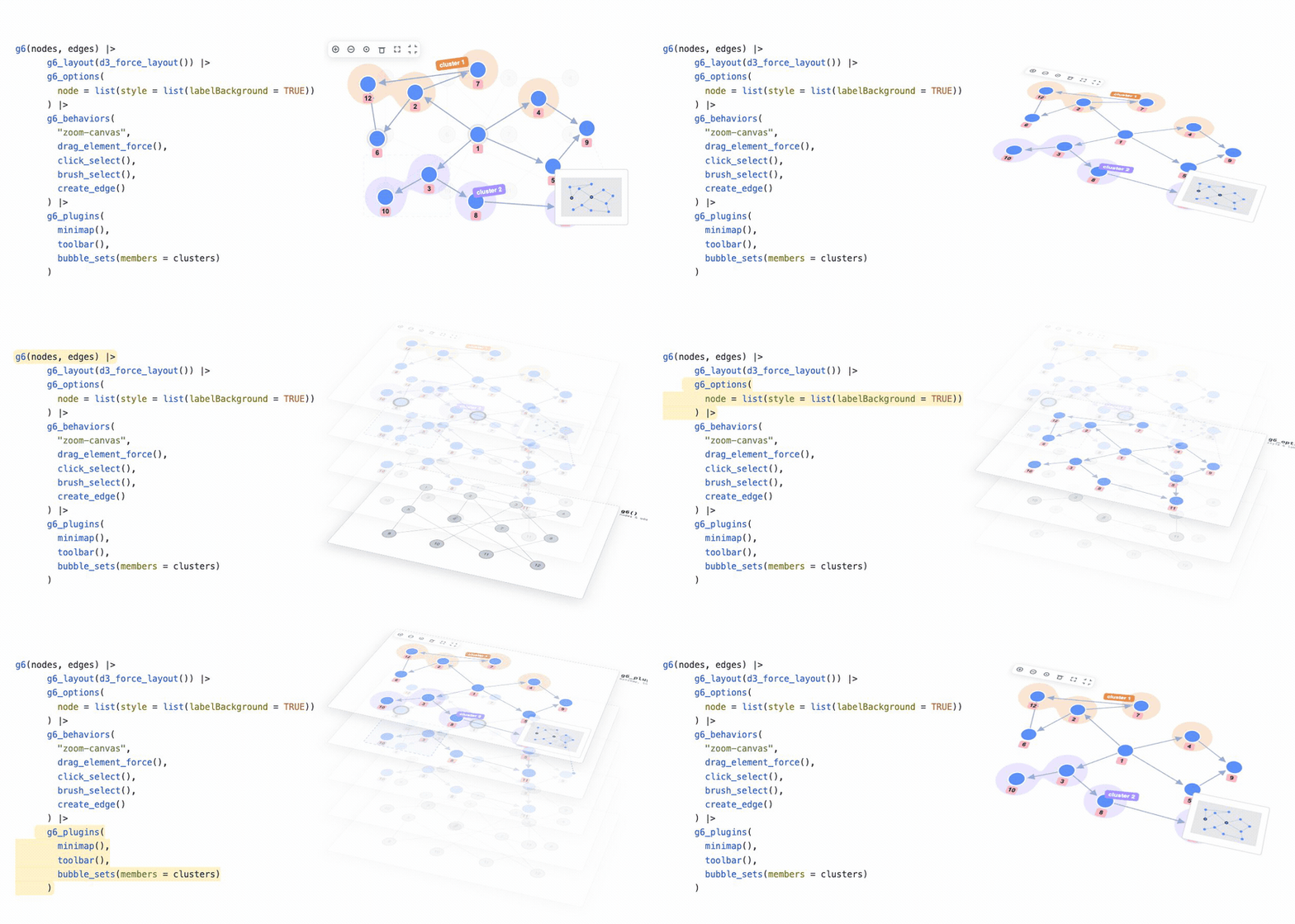
Installation
You can install the development version of {g6R} from
GitHub with:
# install.packages("pak")
pak::pak("cynkra/g6R")
Example
To create a {g6R} graph:
library(g6R)
nodes <- data.frame(id = 1:10)

# Generate random edges
edges <- data.frame(
  source = c(2, 6, 7),
  target = c(1, 3, 9)
)

g6(nodes, edges) |>
  g6_options(
    node = list(
      style = list(
        labelBackground = TRUE,
        labelBackgroundFill = '#FFB6C1',
        labelBackgroundRadius = 4,
        labelFontFamily = 'Arial',
        labelPadding = c(0, 4),
        labelText = JS(
          "(d) => {
              return d.id
            }"
        )
      )
    )
  ) |>
  g6_layout(d3_force_layout()) |>
  g6_behaviors(
    "zoom-canvas",
    drag_element_force(fixed = TRUE),
    click_select(
      multiple = TRUE,
      onClick = JS(
        "(e) => {
            console.log(e);
          }"
      )
    ),
    brush_select(),
    create_edge()
  ) |>
  g6_plugins(
    "minimap",
    "tooltip",
    context_menu()
  )