symbol.equation.gpt
Simple User Interface to Build Equations and Add Symbols
Powerful user interface for adding symbols, smileys, arrows, building mathematical equations using 'LaTeX' or 'r2symbols'. Built for use in development of 'Markdown' and 'Shiny' Outputs.
symbol.equation.gpt v1.1.4 is finally here!
Let's make the equation builder great again!
symbol.equation.gpt R package: Powerful user interface to build equations and insert symbols in R documents such as Rmarkdown or Quarto or Shiny applications.
Official website: https://symbols-ui.obi.obianom.com
Explainer video: https://www.youtube.com/watch?v=cm6FDzO2uqI

Quick example in R
First, install and load...
install.packages("symbol.equation.gpt")

library("symbol.equation.gpt")

# Launch 1: from Addins

# Go to "Addins" in RStudio, and click on "Symbols and Equations"

# Launch 2: from console

symbol.equation.ui()

# Launch 3: from console

symbol.equation.ui2()
Live sample 1
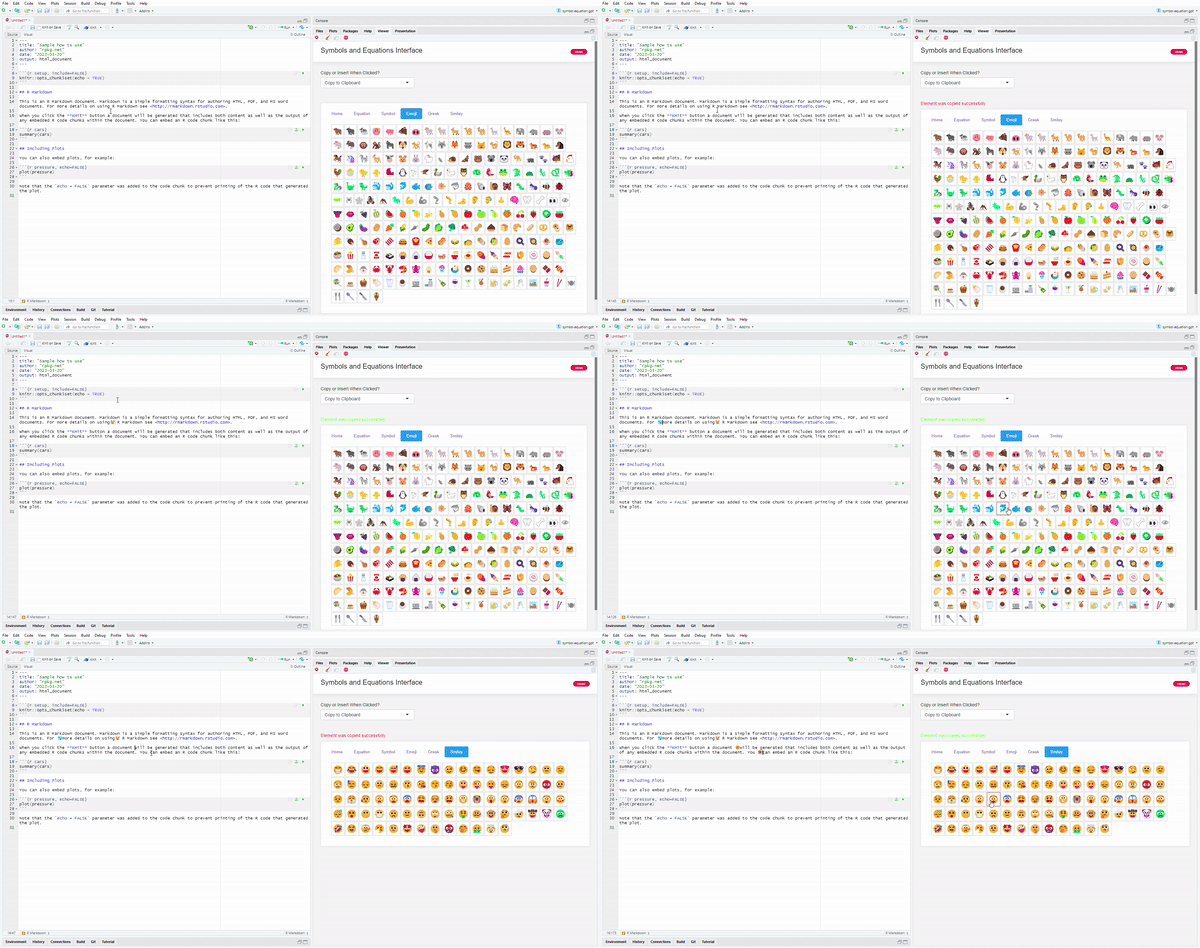
Live sample 2
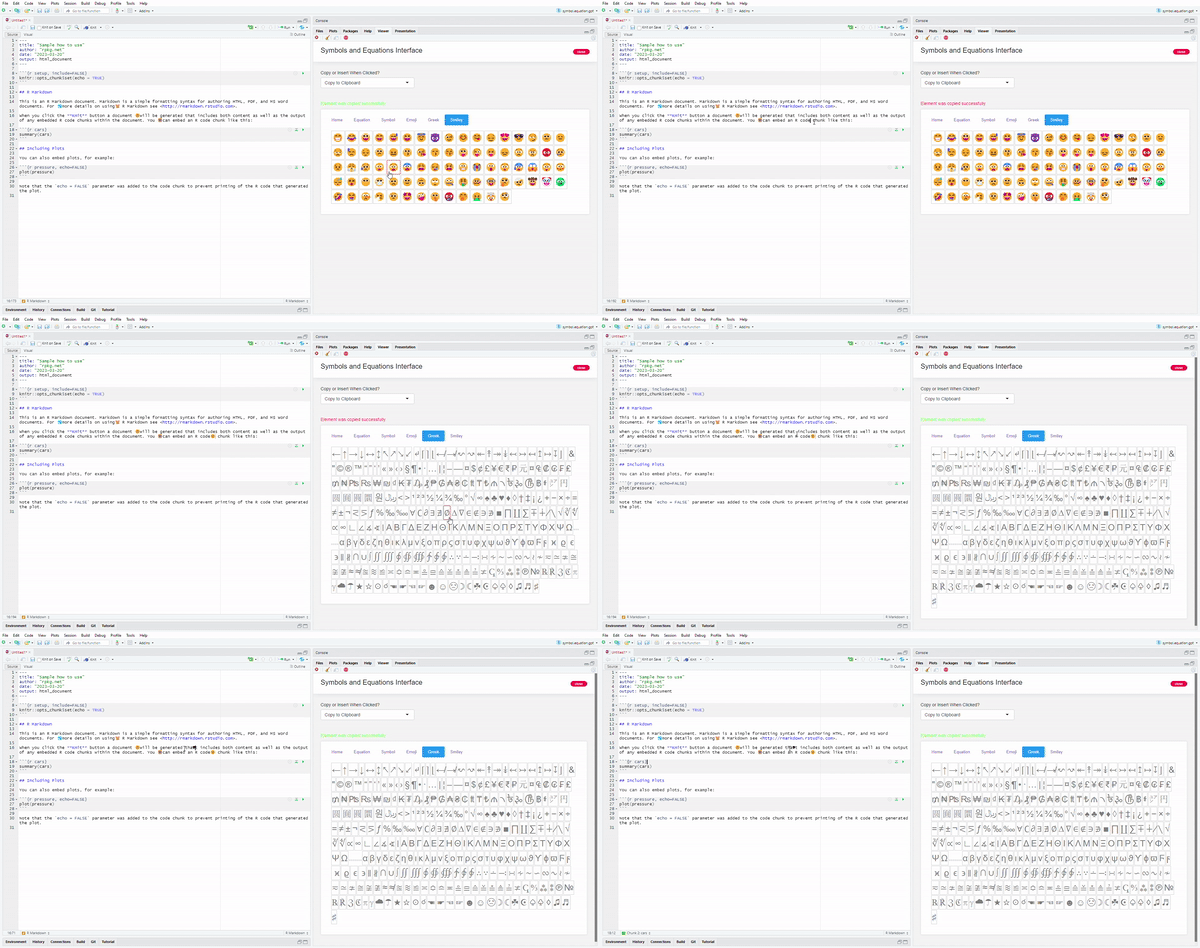
Launch User Interface from RStudio Addins
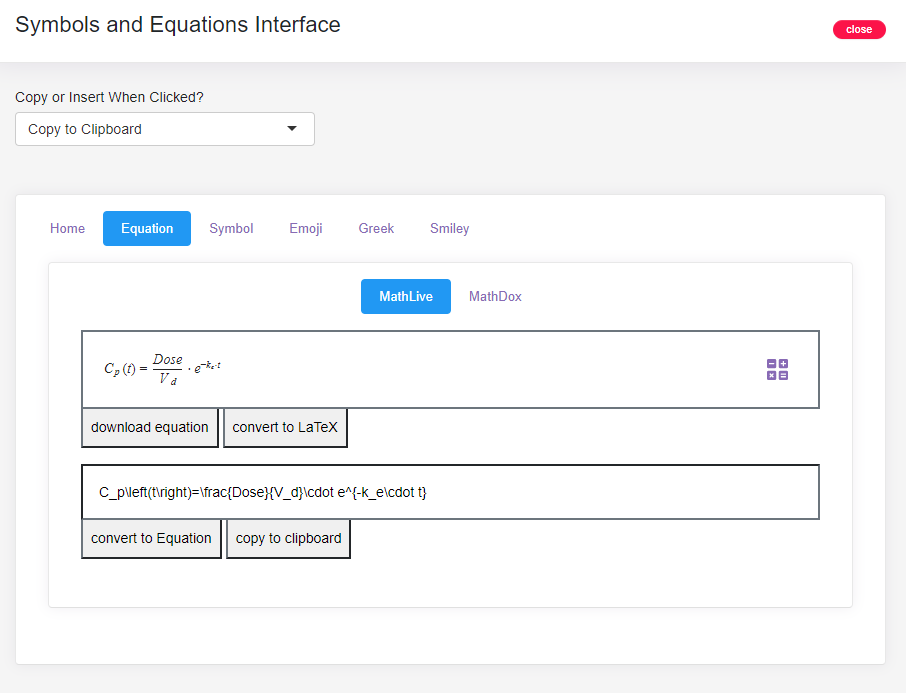
User Interface Screenshot - equations
User Interface Screenshot - symbols
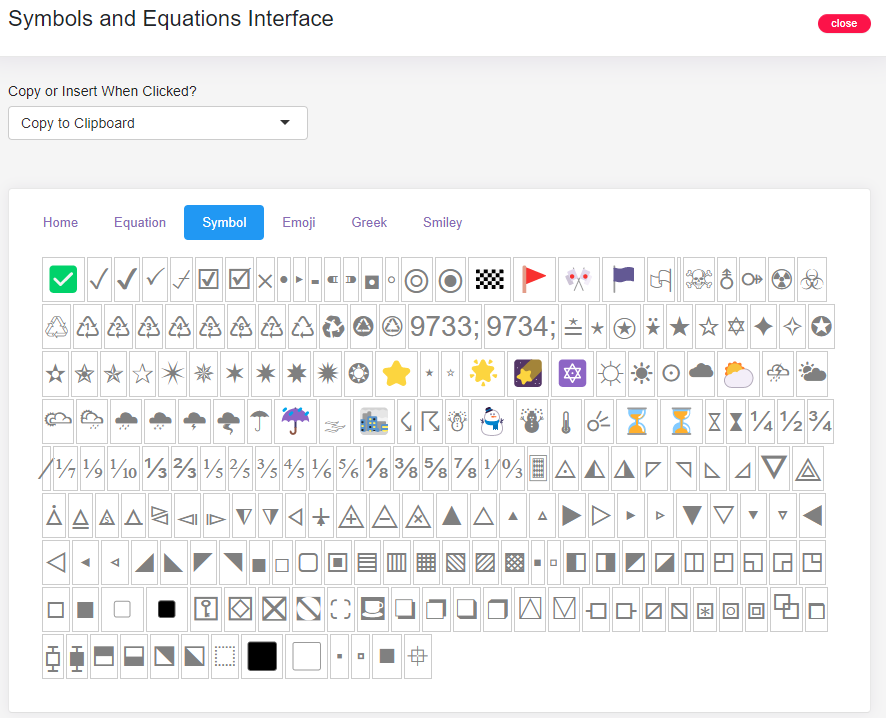
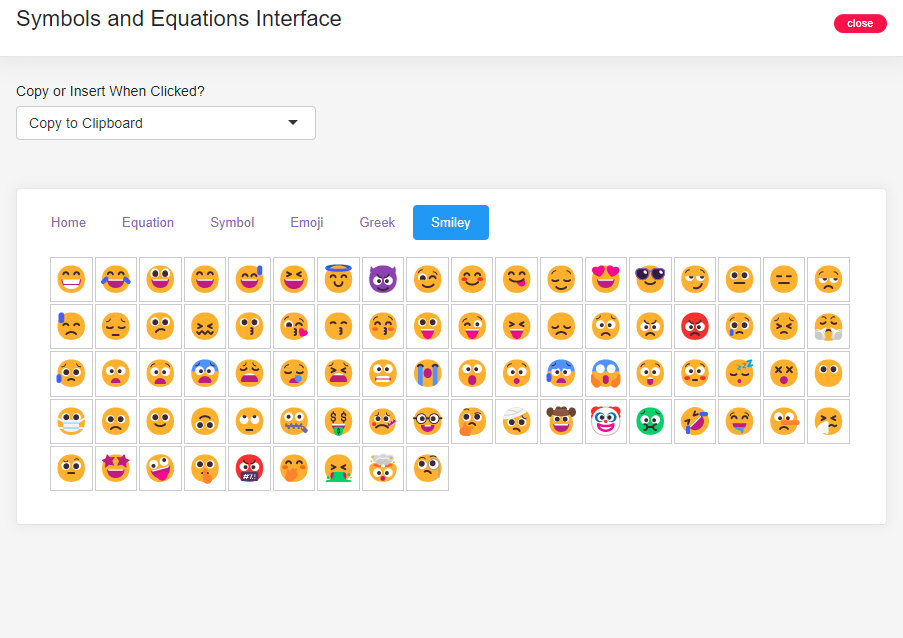
User Interface Screenshot - smiley
Use on the Web
Available for use online as well - https://equations.rpkg.net/