r2resize
In-Text Resize for Images, Tables and Fancy Resize Containers in 'shiny', 'rmarkdown' and 'quarto' Documents
Offers a suite of tools designed to enhance the responsiveness and interactivity of web-based documents and applications created with R. It provides an automatic, configurable resizing toolbar that can be seamlessly integrated with HTML elements such as containers, images, and tables, allowing end-users to dynamically adjust their dimensions. Beyond the toolbar, the package includes a rich collection of flexible, expandable, and interactive container functionalities, such as highly customizable split-screen layouts (splitCard), versatile sizeable cards (sizeableCard), dynamic window-like elements (windowCard), visually engaging emphasis cards (empahsisCard), and sophisticated flexible and elastic card layouts (flexCard, elastiCard). Furthermore, it offers an elegant image viewer and resizer (shinyExpandImage) perfect for interactive galleries. r2resize is particularly well-suited for developers and data scientists looking to create modern, responsive, and user-friendly 'shiny' applications, 'markdown' reports, and 'quarto' documents that adapt gracefully to different screen sizes and user preferences, significantly improving the user experience.
r2resize 1.9.1: In-text resizing of containers, images and tables in Rmarkdown documents and R based apps 
Official site: https://r2resize.obi.obianom.com
Demo output: View here
Demo complete YouTube tutorial: View here
Demo short video: View here
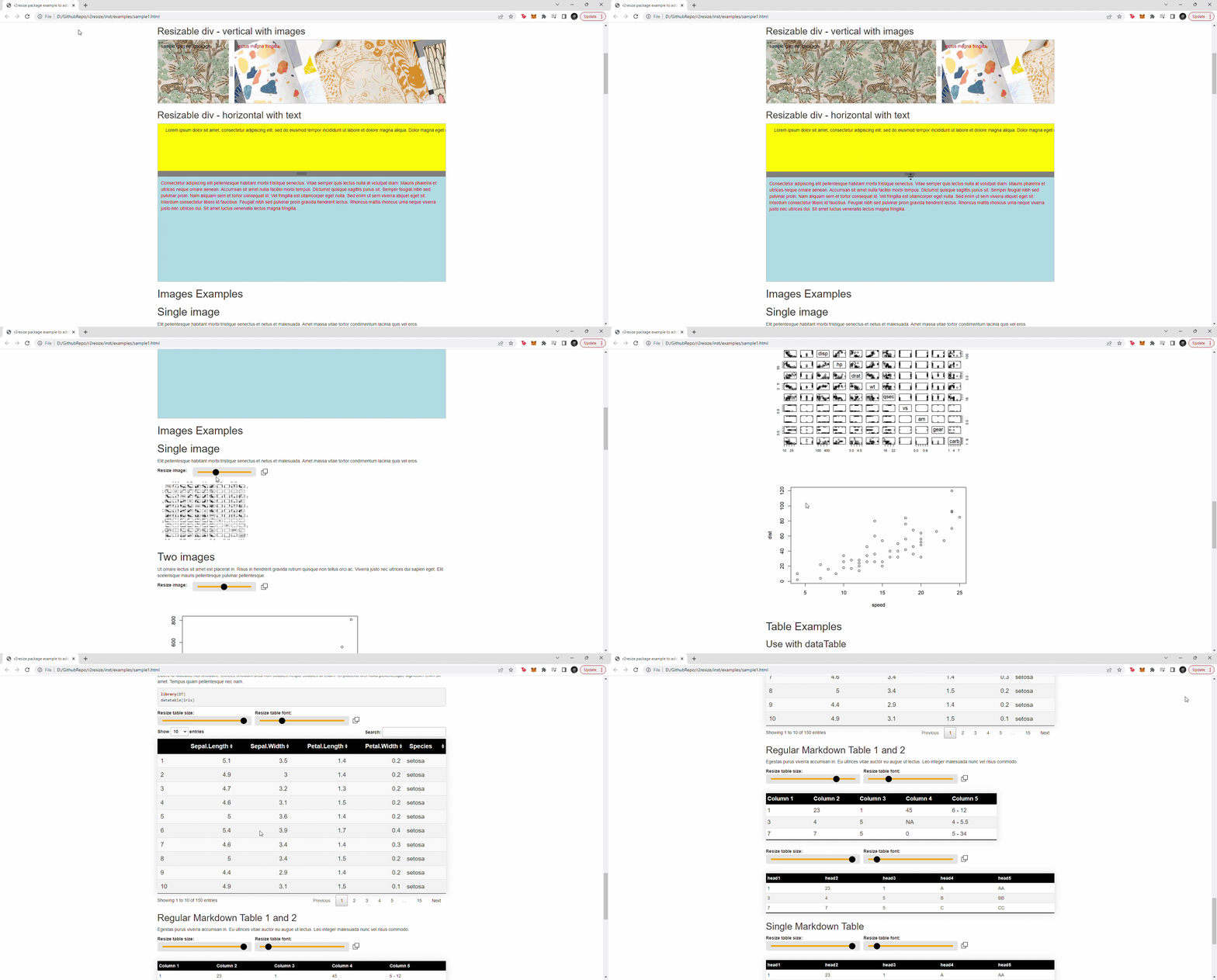
Sample R code to get started: View here
Other packages required for r2resize: View here
RPKG.net package page for r2resize: View here

The recommendation is that you download the latest version of this package from CRAN, as I am constantly updating this repository. If you do download from here, know that things may break sometimes
Installation
# From CRAN
install.packages(r2resize)

# OR from Github
library(devtools)
install_github("oobianom/r2resize")

# Load library and begin using functions
library(r2resize)

# JQuery is required for most of the functions to run effectively
add.JQuery() #optional: only add if the page does not automatically include JQuery
Screenshots:
Use in Rmarkdown or Quarto document to add resizing toolbar to images and tables on the page
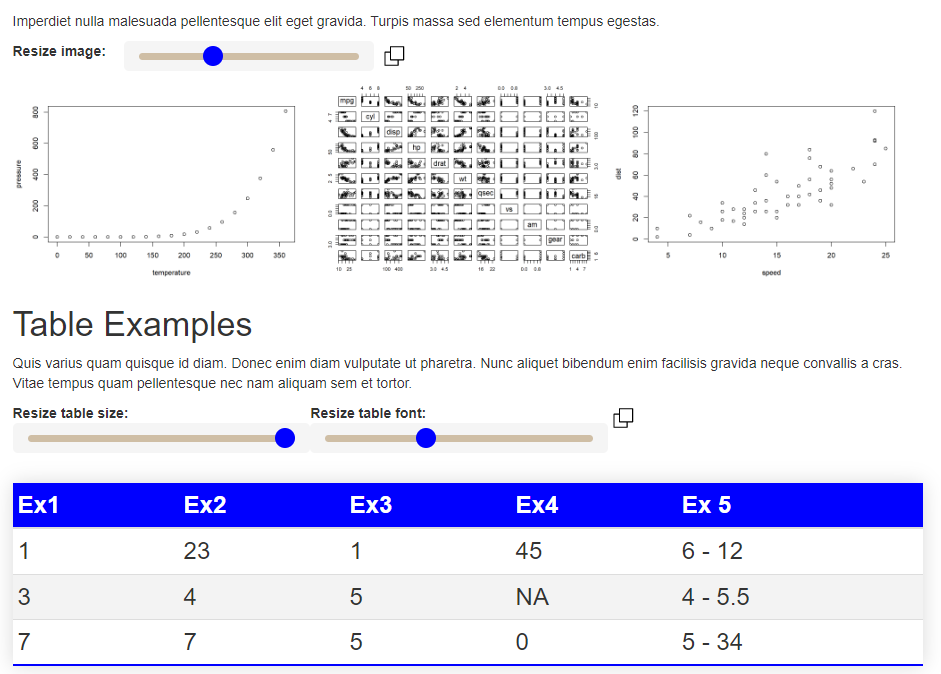
Code:
r2resize::add.resizer(
  theme.color = "black",
  position = "top",
  font.size = "12px",
  font.color = "black",
  tables = TRUE,
  images = TRUE,
  line.color = "orange",
  line.height = 5,
  line.width = 200,
  default.image.width = "40%"
)
Use in Shiny, Rmarkdown or Quarto document
As of version 1.6, the flexCard() function
Output:
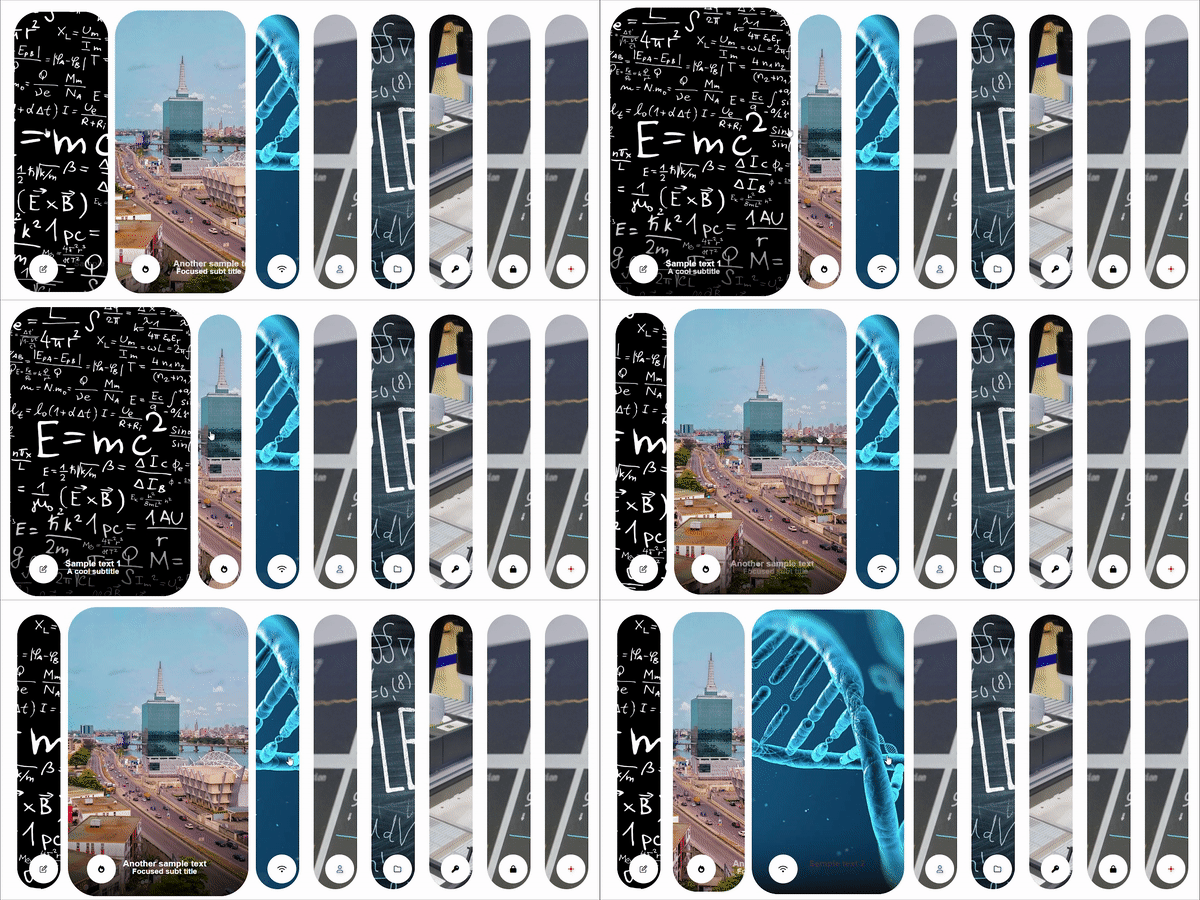
Code:
flexCard(
  image = c(bg = "image1.jpg", icon = "edit", title="Sample text 1",subtitle="A cool subtitle"),
  image = c(bg = "image2.jpg", icon = "fire", title="Another sample text",subtitle="Focused subt title"),
  image = c(bg = "image3.jpg", icon = "wifi", title="Sample text 2",subtitle="Color text",text.color="brown"),
  image = c(bg = "image4.jpg", icon = "user", title="Sample text 3",subtitle="Color text and icon",icon.color="blue",text.color="purple"),
  image = c(bg = "image5.jpg", icon = "folder", title="Sample text 3",subtitle="Sub it is"),
  image = c(bg = "image6.jpg", icon = "key", title="Sample text 4",subtitle="Sub it is"),
  image = c(bg = "image7.jpg", icon = "lock", title="Smaple",subtitle="Sub it is",text.color="green"),
  image = c(bg = "image8.jpg", icon = "plus",icon.color="red"),
  border.color = "gray",
  border.width.px = 0,
  active.panel = 2
)
Also, the elastiCard() function
Output:
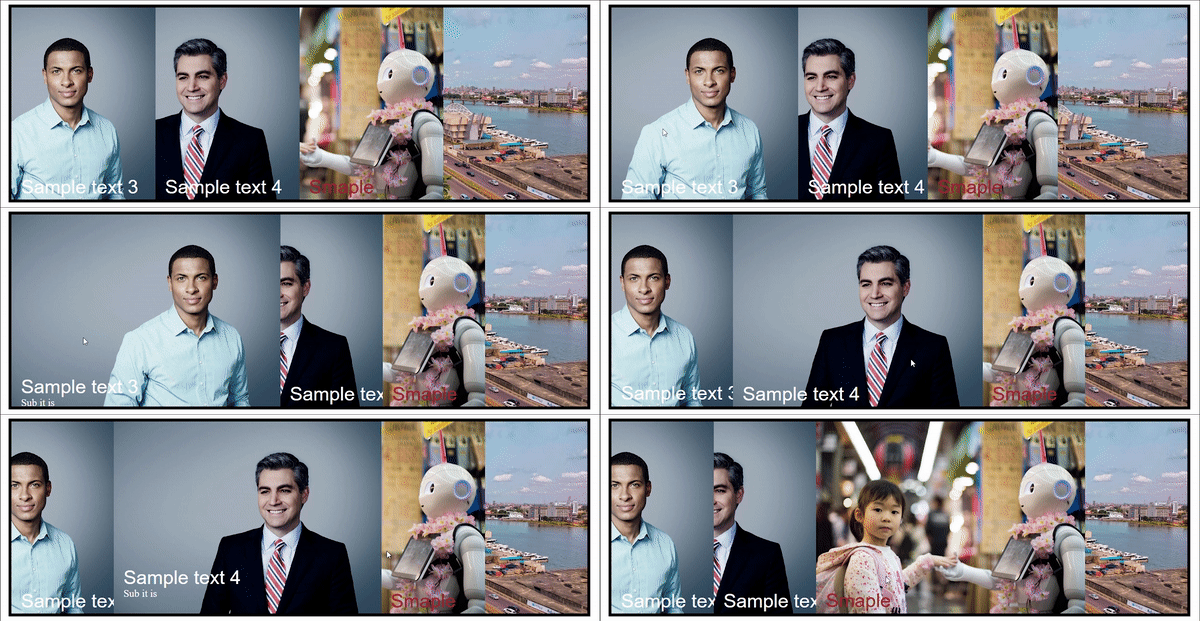
Code:
elastiCard(
  image = c(bg = "image1.jpg", title="Sample text 3",subtitle="Sub it is",descr="Sample description"),
  image = c(bg = "image2.jpg", icon = "key", title="Sample text 4",subtitle="Sub it is"),
  image = c(bg = "image3.jpg", icon = "lock", title="Smaple",subtitle="Sub it is",text.color="brown"),
  image = c(bg = "image4.jpg"),
  border.color = "black",
  border.width.px = 5
)
Also, the splitCard2() function
Output:

Code:
splitCard2(
  "question text 1",
  "answer text 2",
  bg.right.color = "black",
  bg.left.color = "red",
  text.left.color = "white",
  text.right.color = "white",
  slider.position = "95"
)
And so many more cool features...
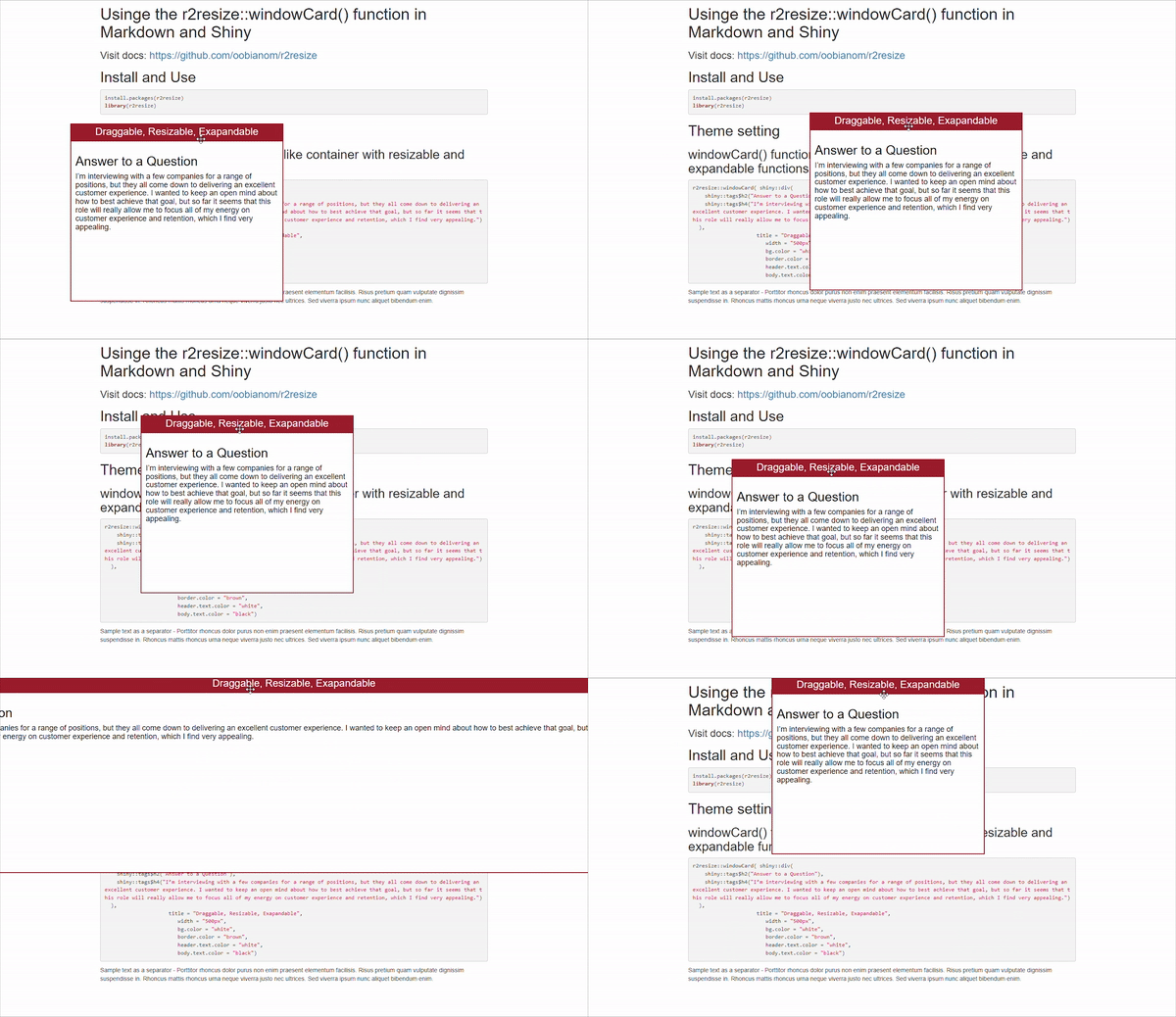
windowCard()
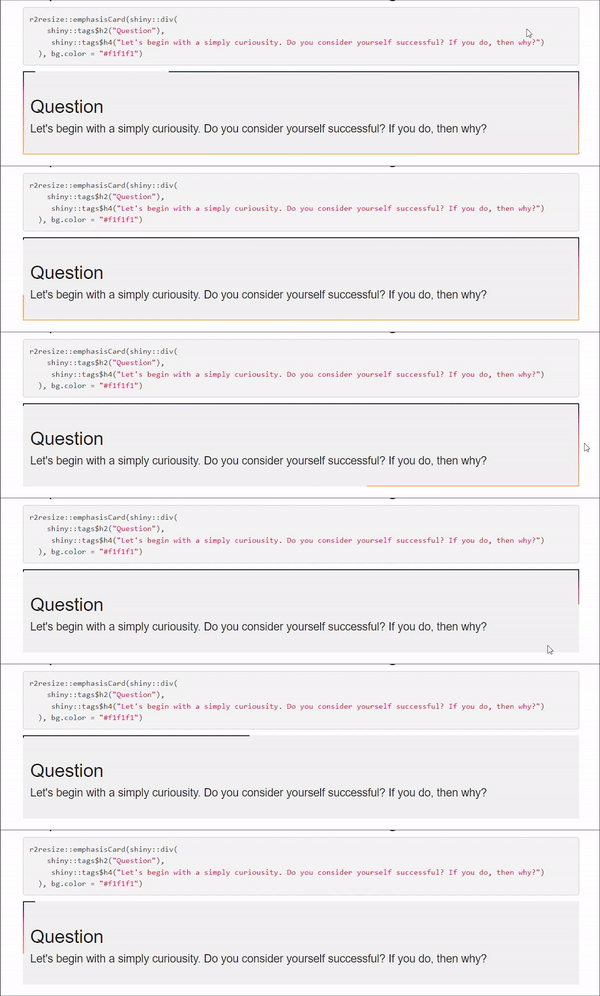
emphasisCard()
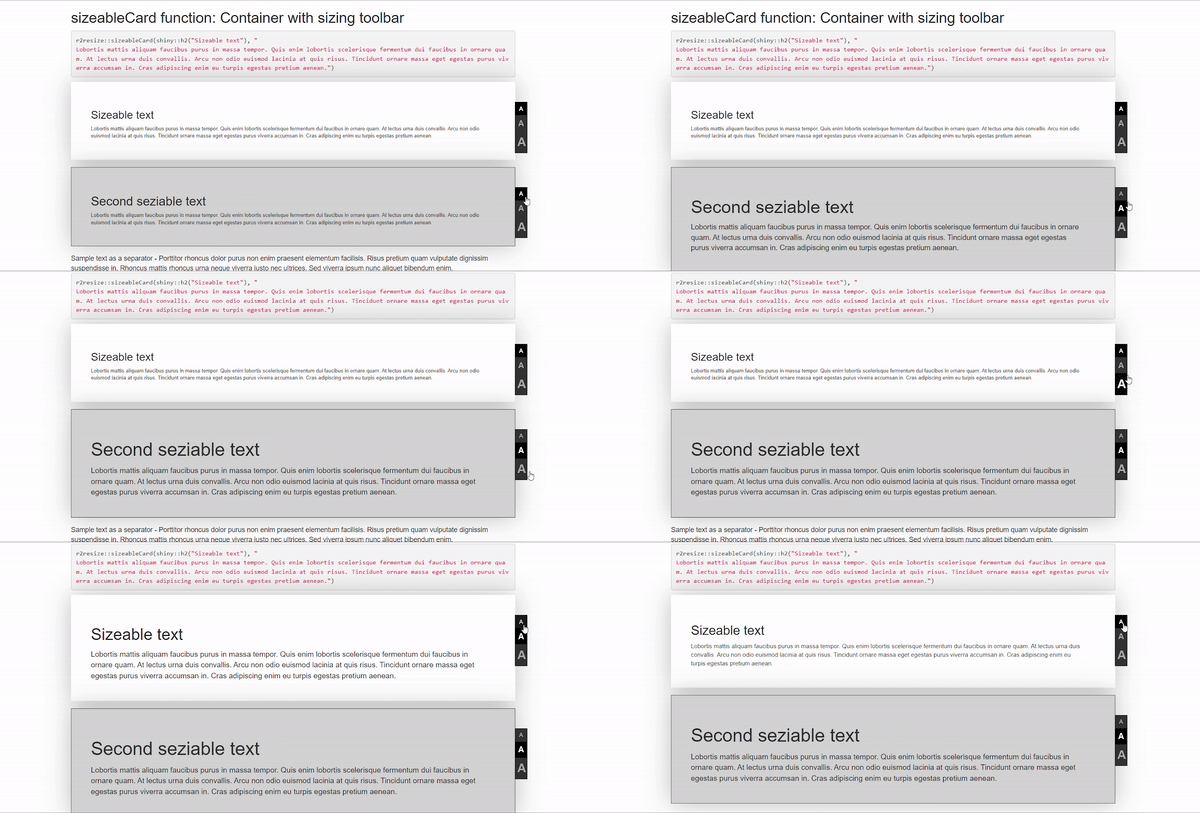
sizeableCard()
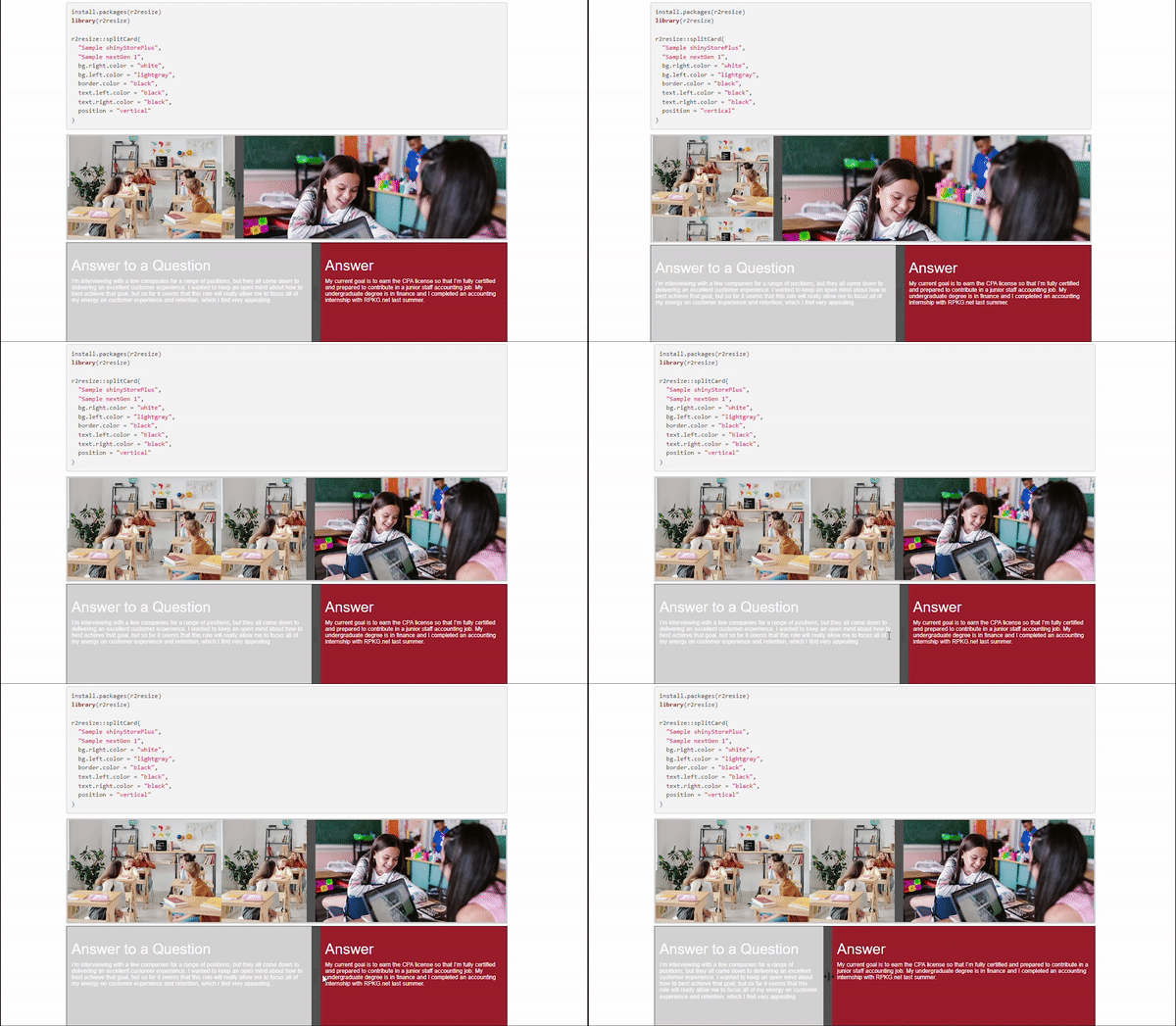
splitCard()
NOTE: Please note that r2resize::add.resizer() should only be used in Rmarkdown or Quarto