typr
Write and Render 'Typst' Documents
Compile 'Typst' files using the 'typst-cli' (< https://typst.app>) command line tool. Automatically falls back to rendering via embedded 'Typst' from 'Quarto' (< https://quarto.org>) if 'Typst' is not installed. Includes utilities to check for 'typst-cli' availability and run 'Typst' commands.
typr 

The goal of typr is to render Typst documents from R. By default, it
will try to use the Typst CLI. If the Typst CLI is not installed, it
will try to use Quarto, which bundles Typst.
Installation
You can install the development version of typr from
GitHub with:
# install.packages('pak')
pak::pak('christopherkenny/typr')
Example
The following example shows how to use typr to render a Typst
document. It can take a path to a file or lines to use. Below, I pass
lines to compile:
library(typr)

doc <- c(
  '#set page(height: auto, width: auto)',
  '= Example Doc',
  'Some text'
)

typr_compile(doc, output_format = 'png')
#> C:/Users/chris/AppData/Local/Temp/Rtmpeow7sK/filea881b5c2983.png
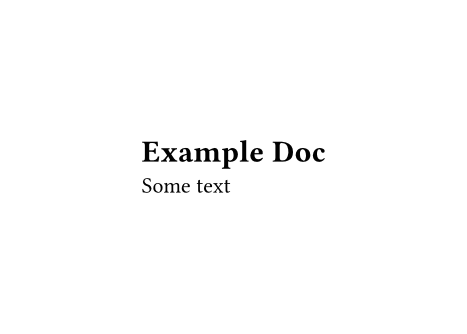 Example image generated by the above
code
Example image generated by the above
code