shinyTimer
Customizable Timer for 'shiny' Applications
Provides a customizable timer widget for 'shiny' applications. Key features include countdown and count-up mode, multiple display formats (including simple seconds, minutes-seconds, hours-minutes-seconds, and minutes-seconds-centiseconds), ability to pause, resume, and reset the timer. 'shinytimer' widget can be particularly useful for creating interactive and time-sensitive applications, tracking session times, setting time limits for tasks or quizzes, and more.
shinyTimer 

shinyTimer allows you to easily integrate a countdown timer into Shiny
UI, providing real-time updates and server notification when the timer
completes.
In examples below I make use of shinyMobile framework.

Install
Development version:
# install.packages("remotes")
remotes::install_github("maciekbanas/shinyTimer")
How it works
To get things work you need to add in your UI shinyTimer() and
trigger an action in your server (e.g. countDown()).
Try it out:
ui <- shinyMobile::f7Page(
  shinyMobile::f7Card(
    shinyTimer::shinyTimer(
      inputId = "shiny_timer",
      seconds = 10L,
      type = "simple",
      style = "font-weight: bold; font-size: 72px; text-align:center"
    )
  )
)

server <- function(input, output, session) {
  shiny::observe({
    shinyTimer::countDown(
      inputId = "shiny_timer"
    )
  })
}

shinyApp(ui, server)
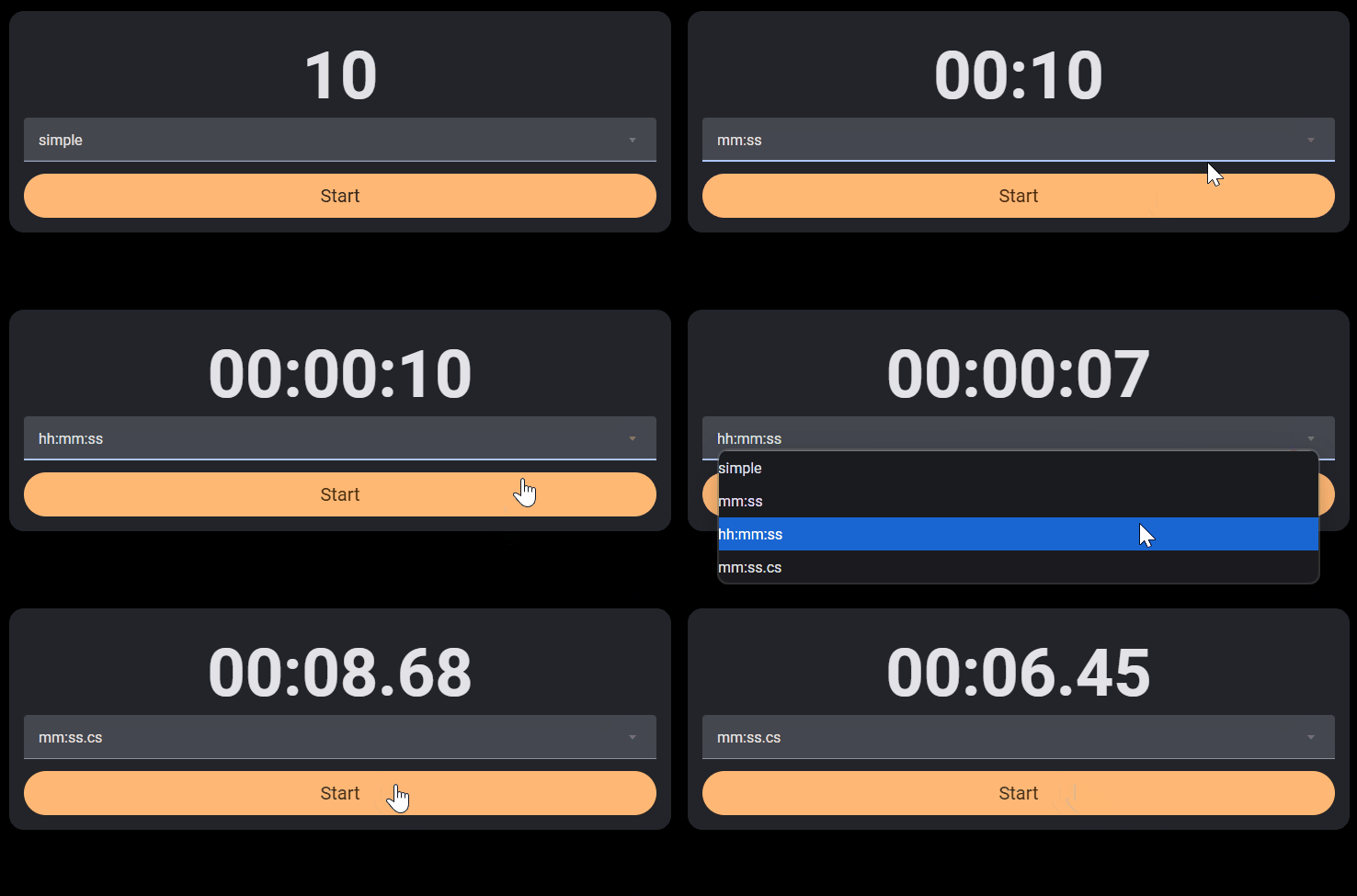
shinyTimer() is by default a simple one, but you can switch to clock
types by passing mm:ss, hh:mm:ss or mm:ss.cs (with centiseconds)
to type parameter.
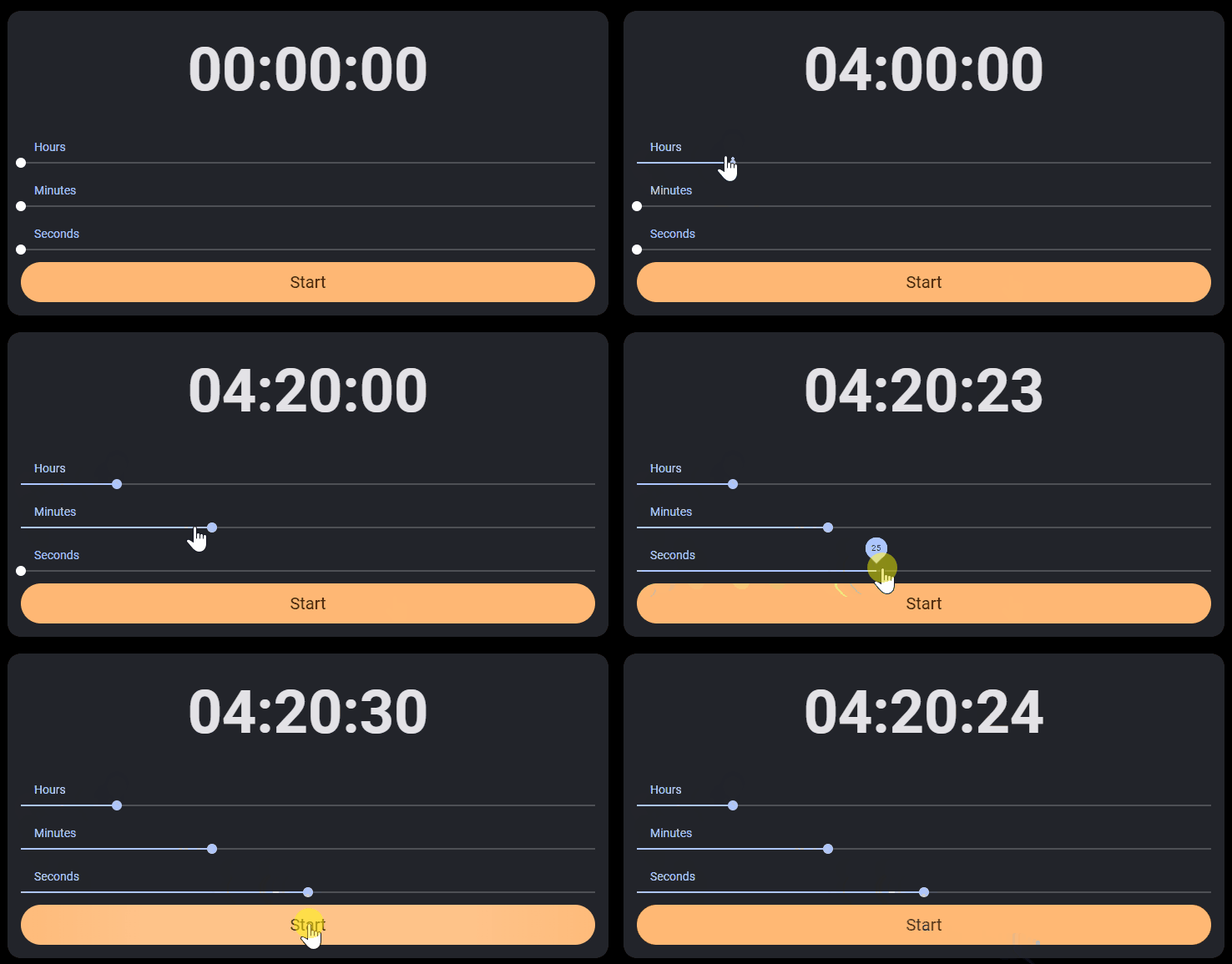
You can either set seconds, minutes or hours.
When timer completes
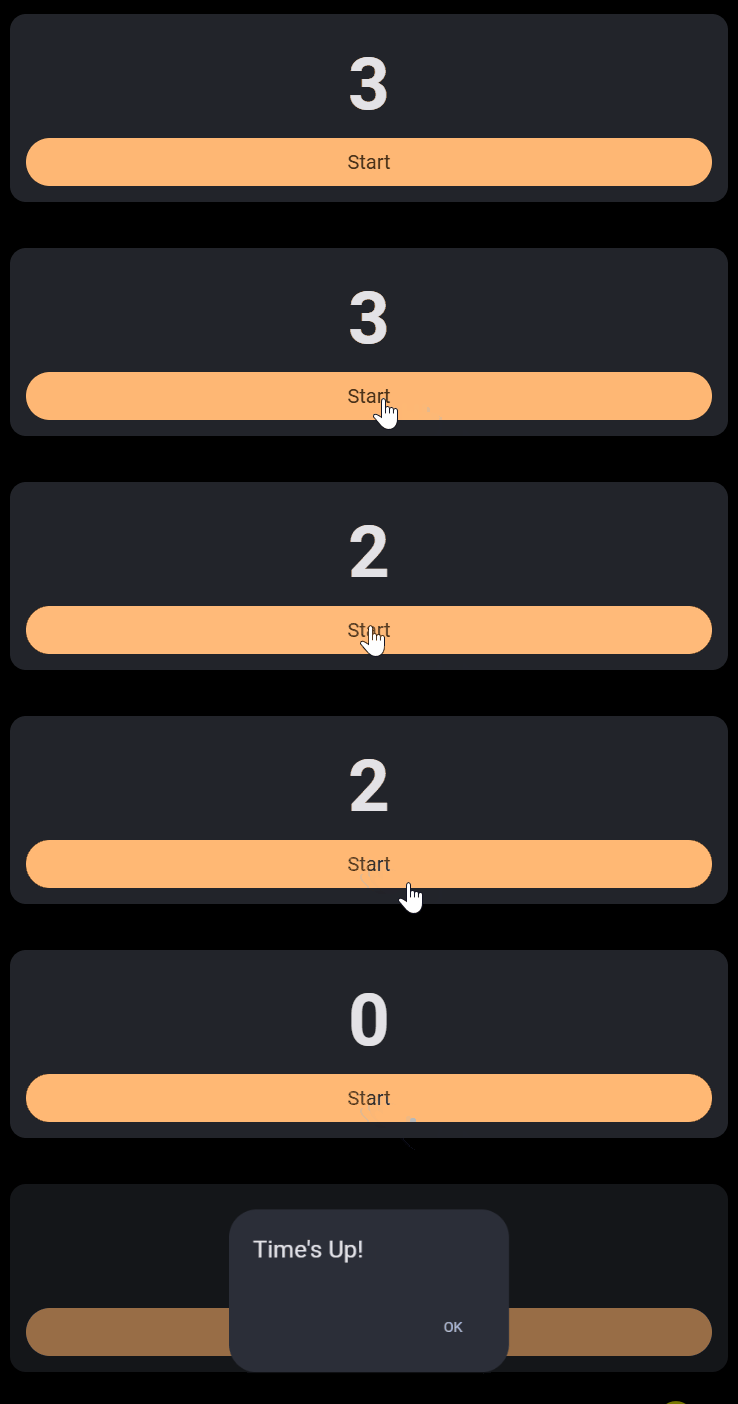
Once the timer reaches 0 JavaScript sends timer_done value to Shiny
input. You can use it to trigger an action (see example below).
ui <- shinyMobile::f7Page(
  shinyMobile::f7Card(
    shinyTimer::shinyTimer(
      inputId = "shiny_timer",
      seconds = 10L,
      type = "simple",
      style = "font-weight: bold; font-size: 72px; text-align:center"
    ),
    shinyMobile::f7Button(
      "start_timer",
      label = "Start",
      size = "large",
      rounded = TRUE,
      color = "orange"
    ) |>
      htmltools::tagAppendAttributes(
        style = "font-size:20px;"
      )
  )
)

server <- function(input, output, session) {
  shiny::observeEvent(input$start_timer, {
    shinyTimer::countDown("shiny_timer")
  })
  shiny::observeEvent(input$timer_done, {
    shinyMobile::f7Dialog(
      id = "dialog",
      title = "Time's Up!",
      text = ""
    )
  })
}

shinyApp(ui, server)
Stopwatch
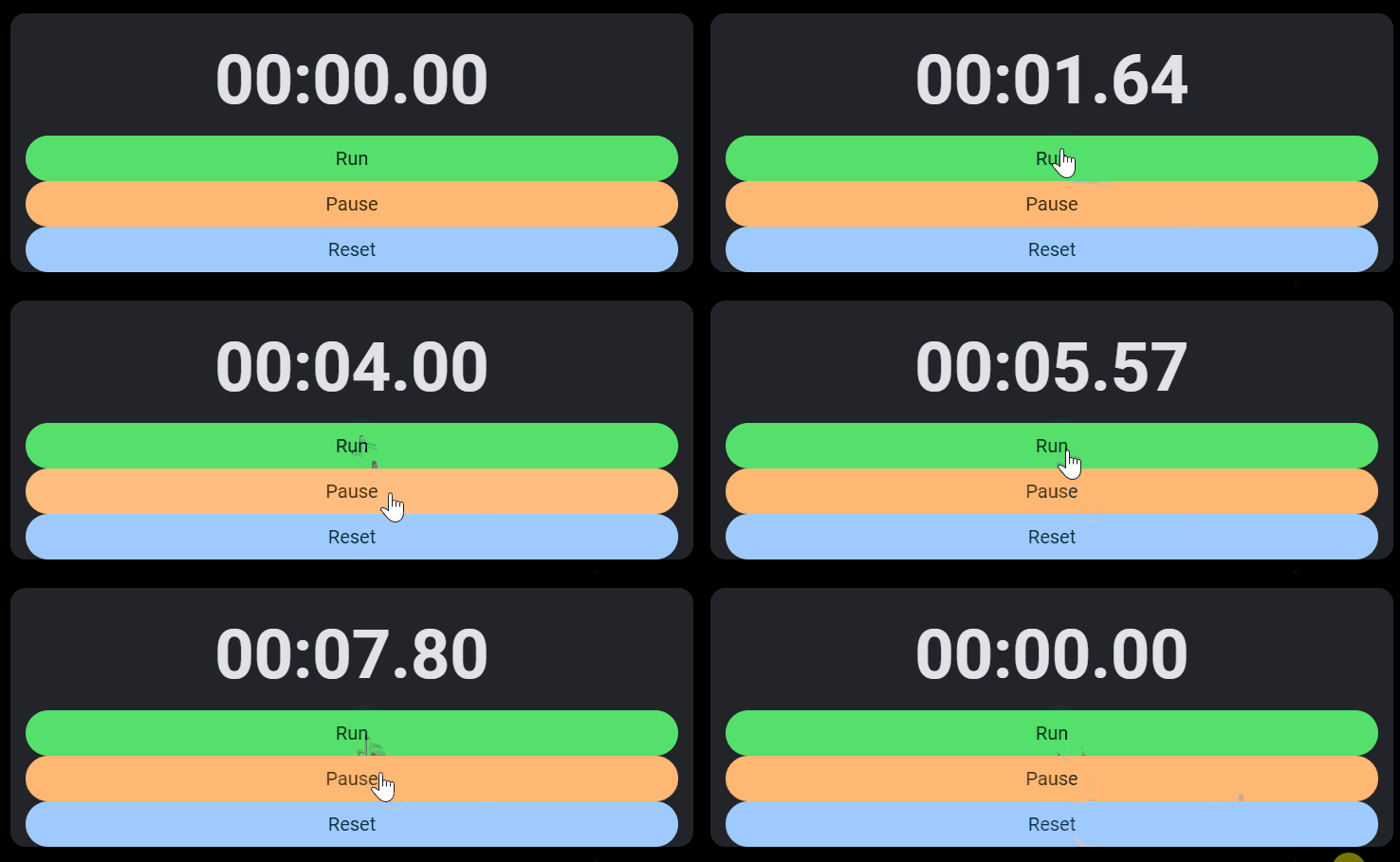
You can also use shinyTimer as a stopwatch. Simply trigger
shinyTimer in your server with countUp(). You can also
pauseTimer() and resetTimer().
ui <- shinyMobile::f7Page(
  shinyMobile::f7Card(
    shinyTimer::shinyTimer(
      inputId = "shiny_timer",
      seconds = 0L,
      type = "mm:ss.cs",
      style = "font-weight: bold; font-size: 72px; text-align:center"
    ),
    shiny::br(),
    shinyMobile::f7Block(
      shinyMobile::f7Button(
        "start_timer",
        label = "Run",
        size = "large",
        rounded = TRUE,
        color = "green"
      ) |>
        htmltools::tagAppendAttributes(
          style = "font-size:20px;"
        ),
      shinyMobile::f7Button(
        "pause_timer",
        label = "Pause",
        size = "large",
        rounded = TRUE,
        color = "orange"
      ) |>
        htmltools::tagAppendAttributes(
          style = "font-size:20px;"
        ),
      shinyMobile::f7Button(
        "resume_timer",
        label = "Reset",
        size = "large",
        rounded = TRUE,
        color = "blue"
      ) |>
        htmltools::tagAppendAttributes(
          style = "font-size:20px;"
        )
    )
  )
)

server <- function(input, output, session) {
  shiny::observeEvent(input$start_timer, {
    shinyTimer::countUp("shiny_timer")
  })
  shiny::observeEvent(input$pause_timer, {
    shinyTimer::pauseTimer("shiny_timer")
  })
  shiny::observeEvent(input$resume_timer, {
    shinyTimer::resetTimer("shiny_timer")
  })
}

shinyApp(ui, server)