pixels
Tools for Working with Image Pixels
Provides tools to show and draw image pixels using 'HTML' widgets and 'Shiny' applications. It can be used to visualize the 'MNIST' dataset for handwritten digit recognition or to create new image recognition datasets.
Tools for Working with Pixels in R
This package provides an htmlwidget and Shiny Gadget to render and draw pixels with ease.
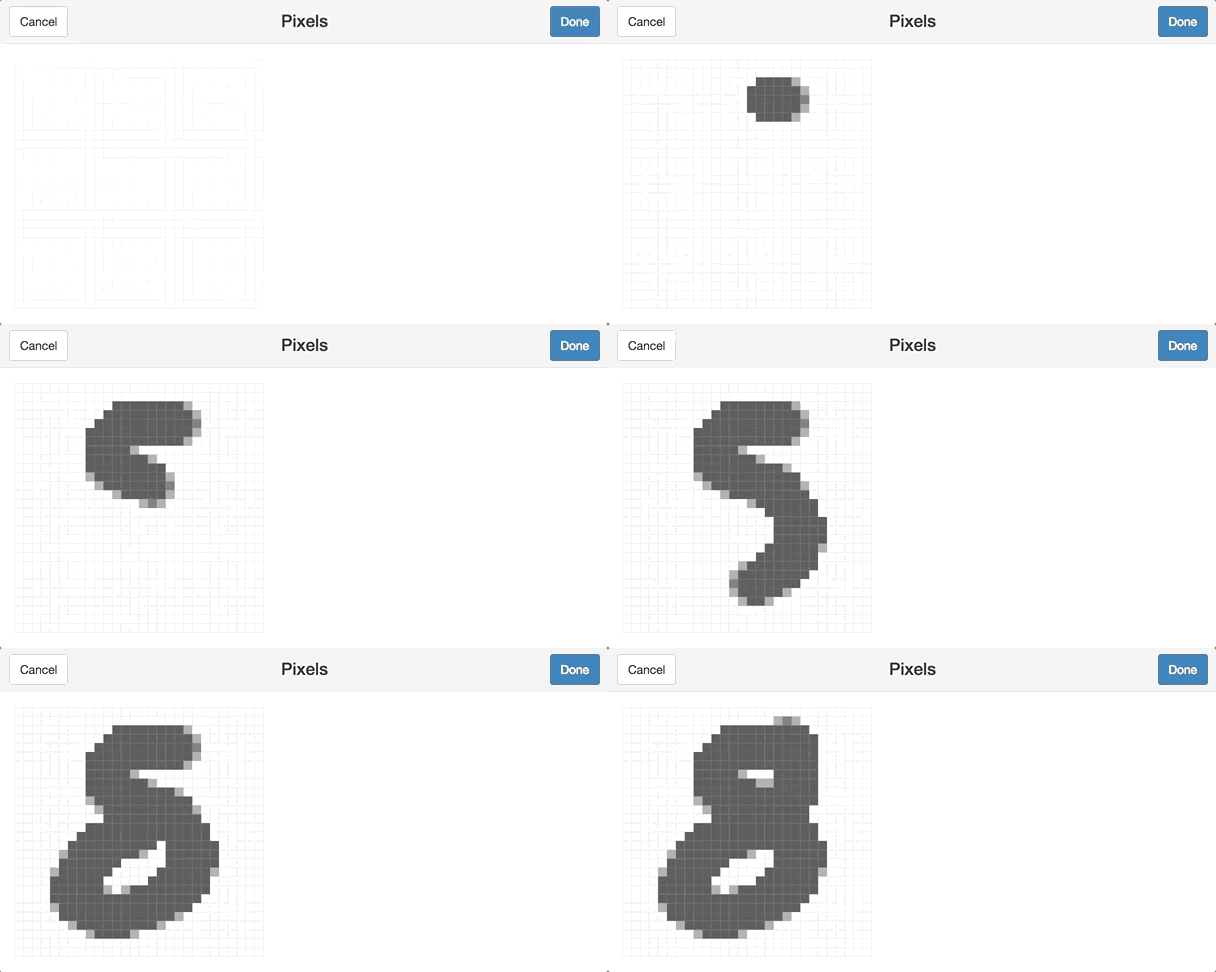
To draw pixels run get_pixels() which will start the gadget to retrieve an array of numeric values representing each pixel in the image:
library(pixels)
get_pixels()
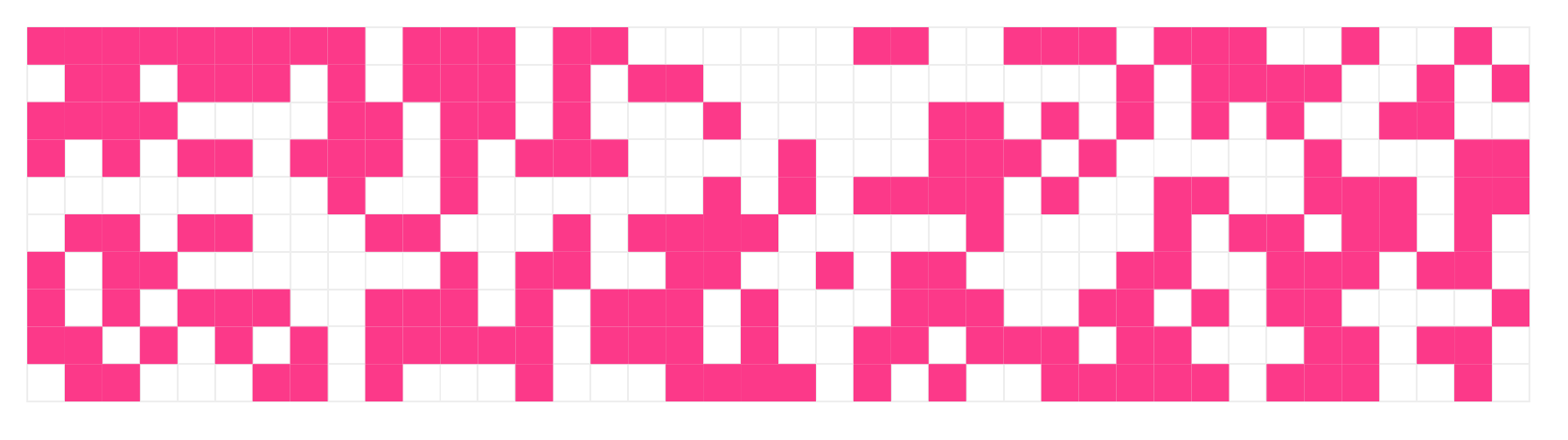
To display pixels, use show_pixels() with a row-first vector as follows:
show_pixels(
  round(runif(400, 0, 1)),
  grid = c(40, 10),
  size = c(800, 200),
  params = list(fill = list(color = "#FF3388"))
)
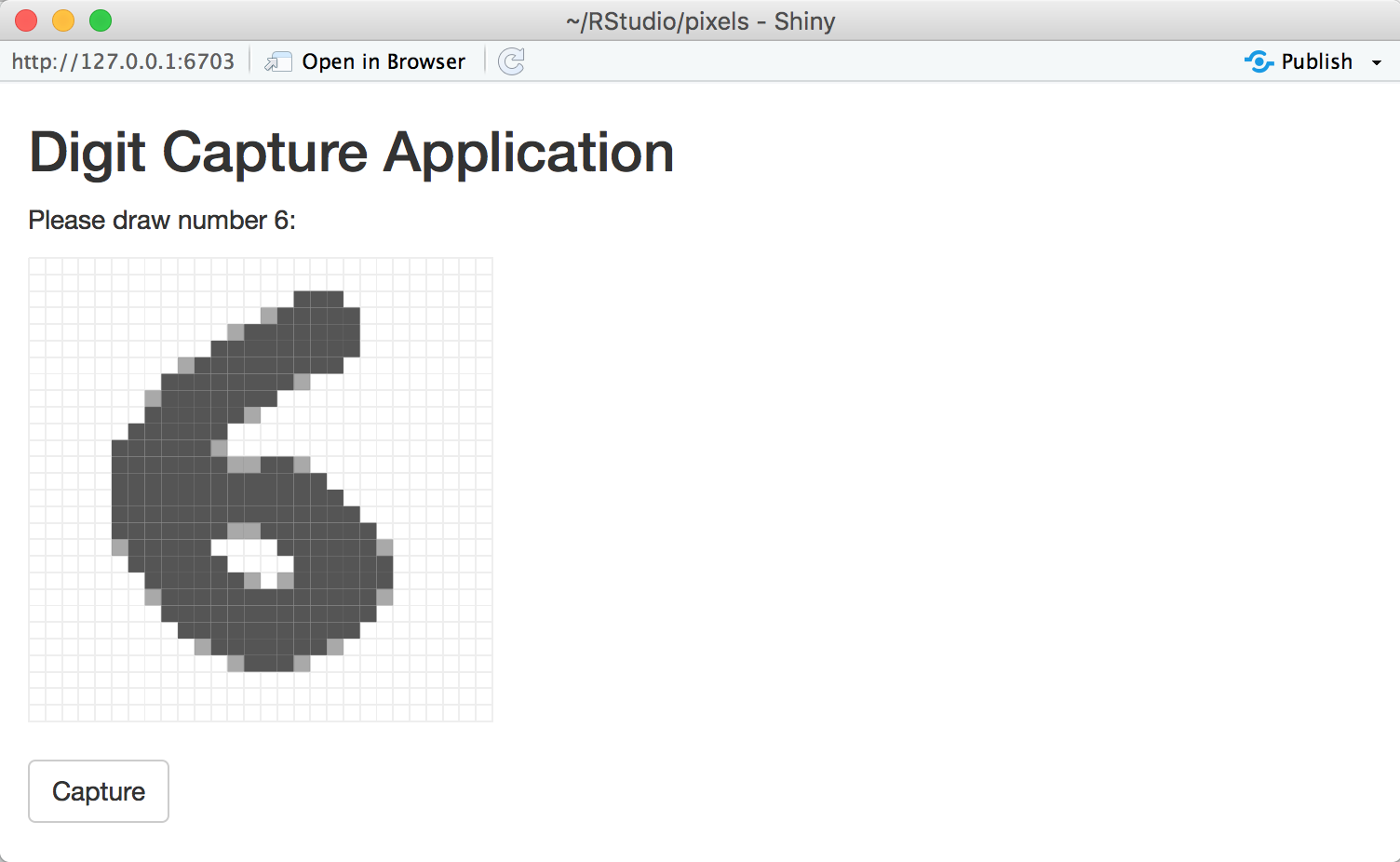
Finally, one can use 'shiny_render_pixels()' with a 'Shiny' application to help collect image datasets. For instance, to collect images similar to the MNIST dataset as follows:
library(shiny)

ui <- fluidPage(
  tags$head(
    tags$style(HTML("
      #pixels {
        height: 270px !important;
        margin-top: 10px;
      }
    "))
  ),
  titlePanel("Digit Capture Application"),
  textOutput("prompt"),
  shiny_pixels_output("pixels"),
  actionButton("captureDigit", "Capture")
)

server <- function(input, output) {
  output$pixels <- shiny_render_pixels(
    show_pixels()
  )

  digit <- reactiveVal(floor(runif(1, 1, 10)))
  output$prompt <- renderText(paste0("Please draw number ", digit(), ":"))

  observeEvent(input$captureDigit, {
    digit_path <- file.path("digits", digit())
    if (!dir.exists(digit_path)) dir.create(digit_path, recursive = TRUE)
    saveRDS(input$pixels, paste0(digit_path, "/", as.numeric(Sys.time()), ".rds"))

    digit(floor(runif(1, 1, 10)))
    output$pixels <- shiny_render_pixels(
      show_pixels()
    )
  })
}

shinyApp(ui = ui, server = server)