fomantic.plus
Add Extra 'Fomantic UI' Components to 'shiny.semantic'
Extend 'shiny.semantic' with extra 'Fomantic UI' components. Create pages in a format similar to 'shiny', form validation and more.
fomantic.plus


{fomantic.plus} contains a series of functions that create elements and perform behaviours from Fomantic UI; the package works as an extension to the {shiny.semantic} package.
Form Validation
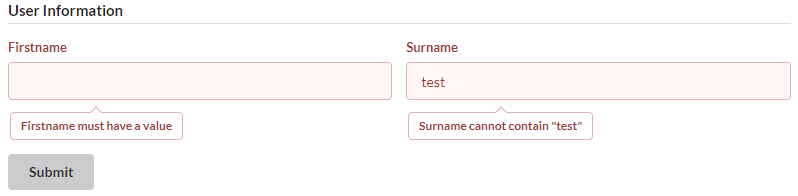
Input validation is an important part of shiny applications, and with form_validation you can have (the majority) of the validation done within the UI.
Navbar Page
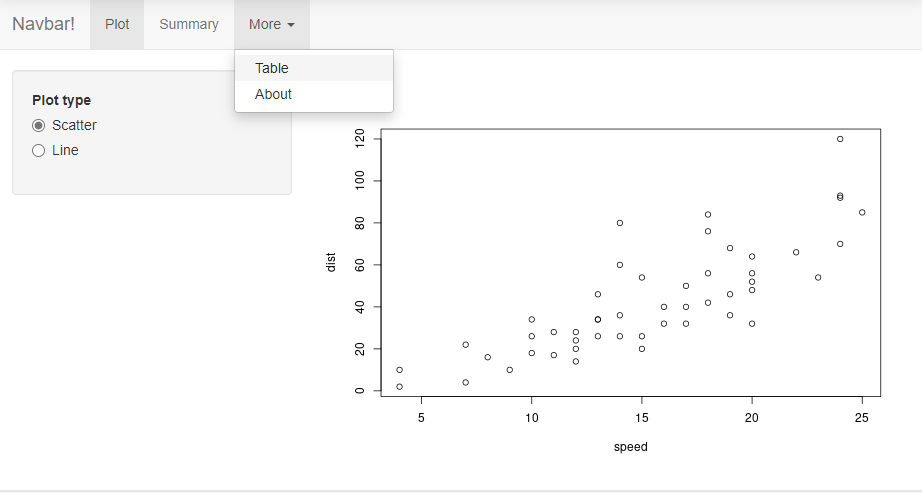
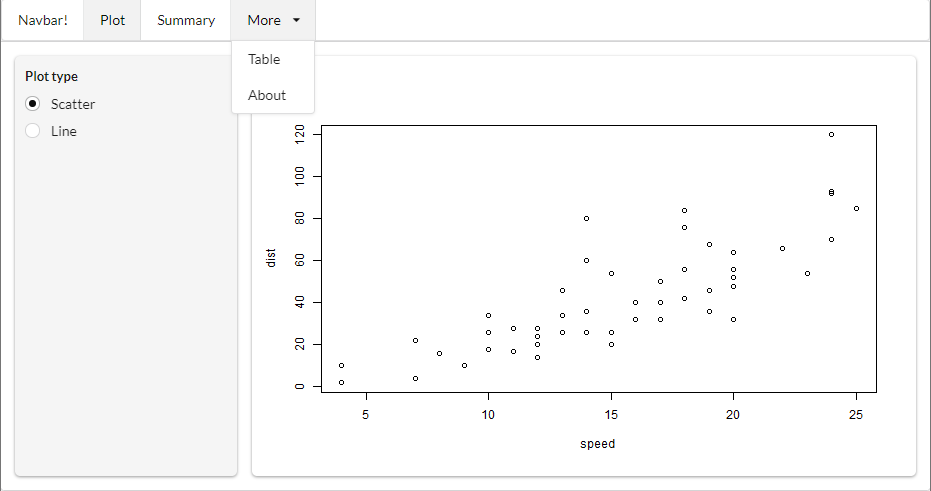
Similar to {shiny}'s navbarPage, {fomantic.plus} includes the ability to create a page with a navbar, along with the options to show/hide tabs, and change to a specific tab on the server-side.
Bootstrap UI (shiny) |
Fomantic UI (fomantic.plus) |
|---|---|
 |
 |
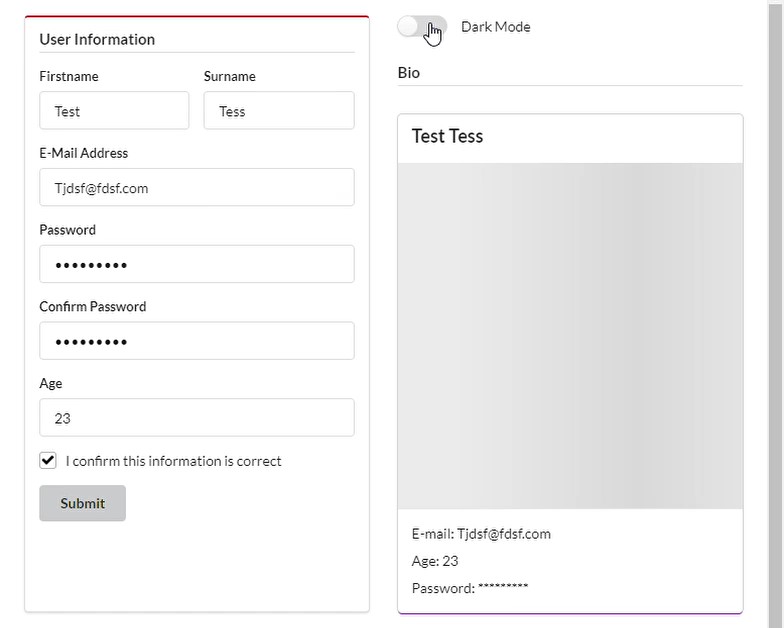
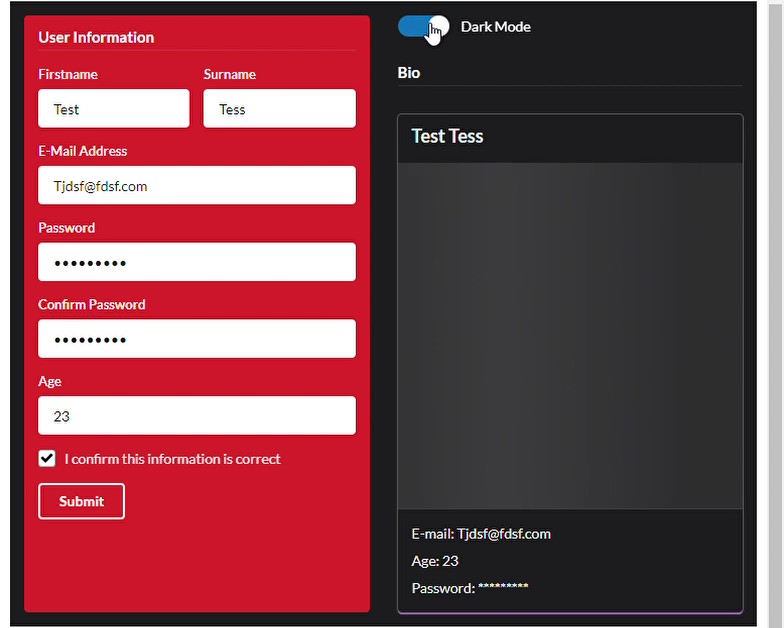
Dark Mode
Using darkmode_toggle() will include a toggle in the UI to enable all Fomantic UI elements to change into the "inverted" class, giving the ability to have a light and dark mode application
| Light Mode | Dark Mode |
|---|---|
 |
 |
Installation
devtools::install_github("ashbaldry/fomantic.plus")